Free Telegram Scheduler for Channels and Groups
Schedule Telegram channel and group posts: text, photos, videos and albums go out at the time you set, with your other networks. Free plan; Pro $20/mo.
Yes, you can schedule Telegram posts: the Telegram app schedules a message when you hold the Send button, and Pubblica schedules posts to your Telegram channels and groups from your browser along with your other networks. Write a post once, pick your channels and any of 8 other networks, set a time, and it publishes on its own.
How to schedule a message in Telegram
Telegram schedules a message in any chat from the Send button, as the official Telegram announcement describes:
- Open the chat, channel or group and type your message or attach media.
- Hold the Send button and select Schedule Message.
- Pick the date and time.
The message goes out at that time. In Saved Messages, a scheduled message works as a reminder to yourself.
How to schedule Telegram posts with Pubblica
A Telegram scheduler publishes posts to your channels and groups at a time you set in advance. Pubblica keeps the post and sends it at that time. Scheduling takes three steps, all in your browser:
- Connect your channel or group. Log in with Telegram, then add Pubblica Bot as an admin to your channel or group, with the Post Messages permission on. Pubblica posts through the official Telegram Bot API and never signs in to your Telegram account.
- Write the post. Write text on its own or add photos and videos, and select your channels and any other accounts. Pubblica checks the caption and the files against Telegram limits as soon as you add them. For photo limits, see Telegram image sizes.
- Set the date and time. Pubblica publishes to every selected channel and group at that time. The scheduler shows your time zone, and you can pick any date in the future.
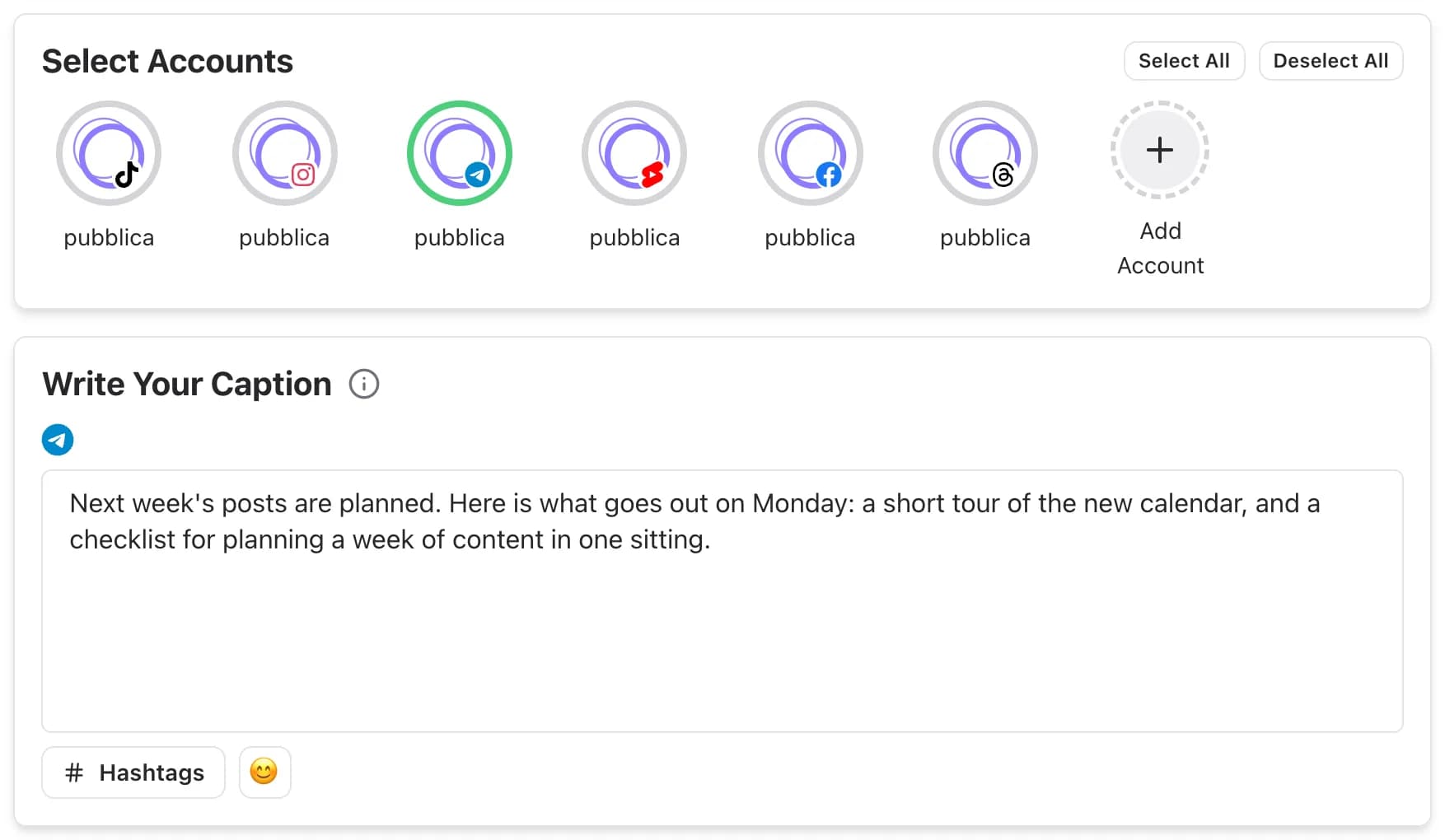
What you can post to Telegram with Pubblica
Pubblica publishes channel and group posts:
- Text posts. A message without media; a link in it shows a preview.
- A photo or a video with a caption. One file with the text under it.
- Albums. Several photos and videos in one message, with one caption.
- Several channels and groups. Connect every channel and group you manage and pick which ones get each post.
- A caption for Telegram only. Use the same text as on your other networks or write a separate one for Telegram.
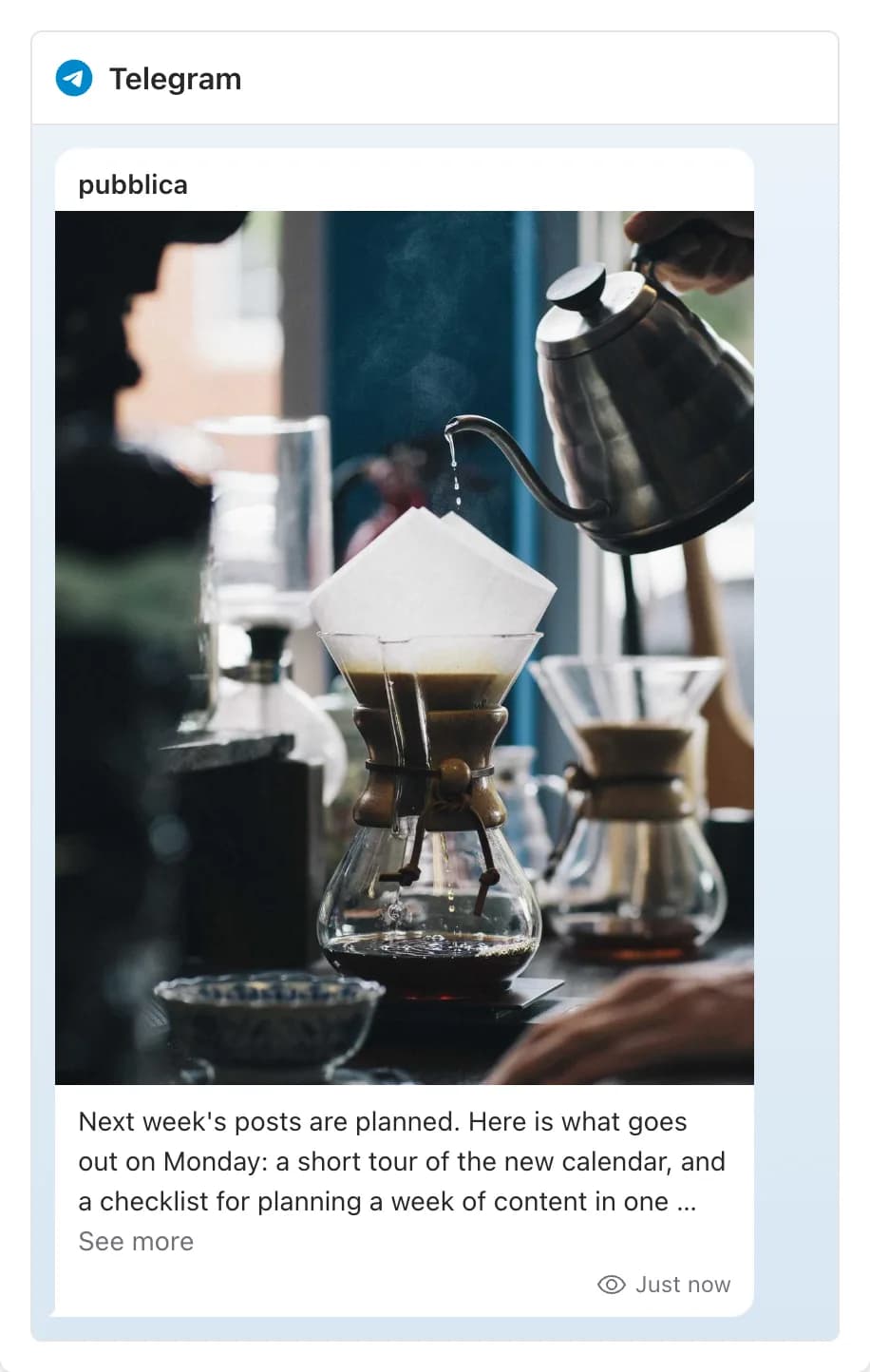
Before the post goes out, the preview shows how it will look in your channel.
Telegram and your other networks
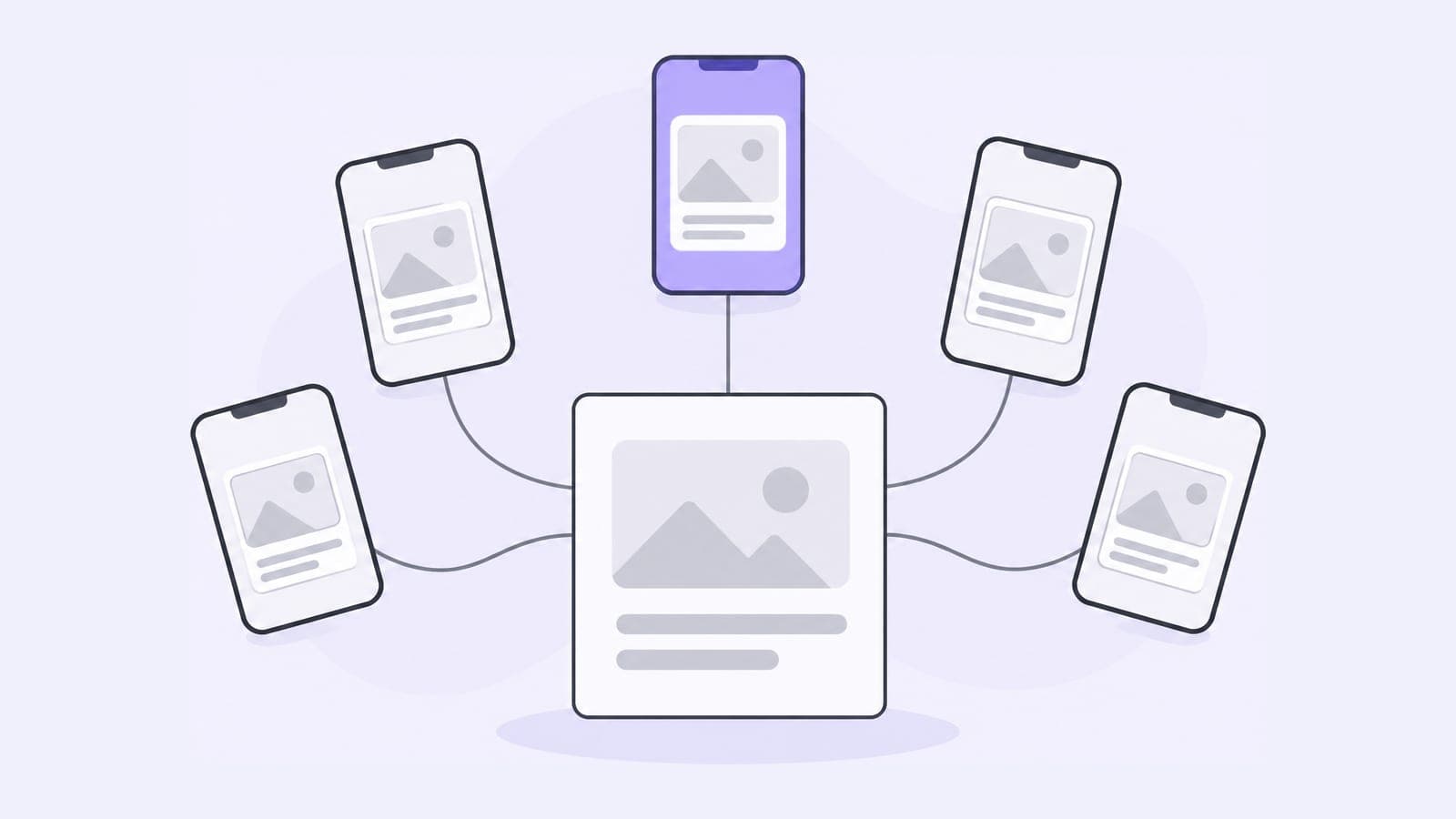
If you also post updates to Threads, LinkedIn or Facebook, one post in Pubblica goes to all of them: select the accounts, keep one caption or write one per network, and set a single time. Telegram takes text, photos and videos, so one announcement can go to your channel and your other feeds at once.
The same composer covers the rest of your networks. Share the update as a text post with the Threads scheduler, or post the same photos with the Instagram scheduler.
When to use the Telegram app and when to use a scheduler
Telegram's Schedule Message is free and built into every chat. A scheduler fits when Telegram is one of several channels or networks:
- you post the same update to several Telegram channels or groups at once;
- you post the same update to Telegram and Threads, LinkedIn, Facebook or Instagram;
- you plan a week of posts in one sitting from a computer;
- you want every scheduled post, on every network, on one calendar;
- you manage channels for clients and group them by client in workspaces.
Who Pubblica's Telegram scheduler is for
- Channel owners and creators who post news, links and media to a channel and share the same update on other networks.
- Communities and small teams that announce events and updates in a group and a channel at the same time.
- Freelancers and social media managers who run channels for several clients: connect as many as you need on both plans.
The Free plan includes Telegram and 20 posts a month on every network except X, with unlimited accounts and no card. Pro is $20 a month for unlimited posts on all 9 networks and AI hashtags, with a 7-day free trial. See both plans of our free social media scheduler.