How to Post to Multiple Platforms at Once
Post to Facebook, Instagram and Threads at once with Meta's own tools, or to every network with a scheduler: the steps, plus how to adapt each post.
 Evgenii Plugarev
Published
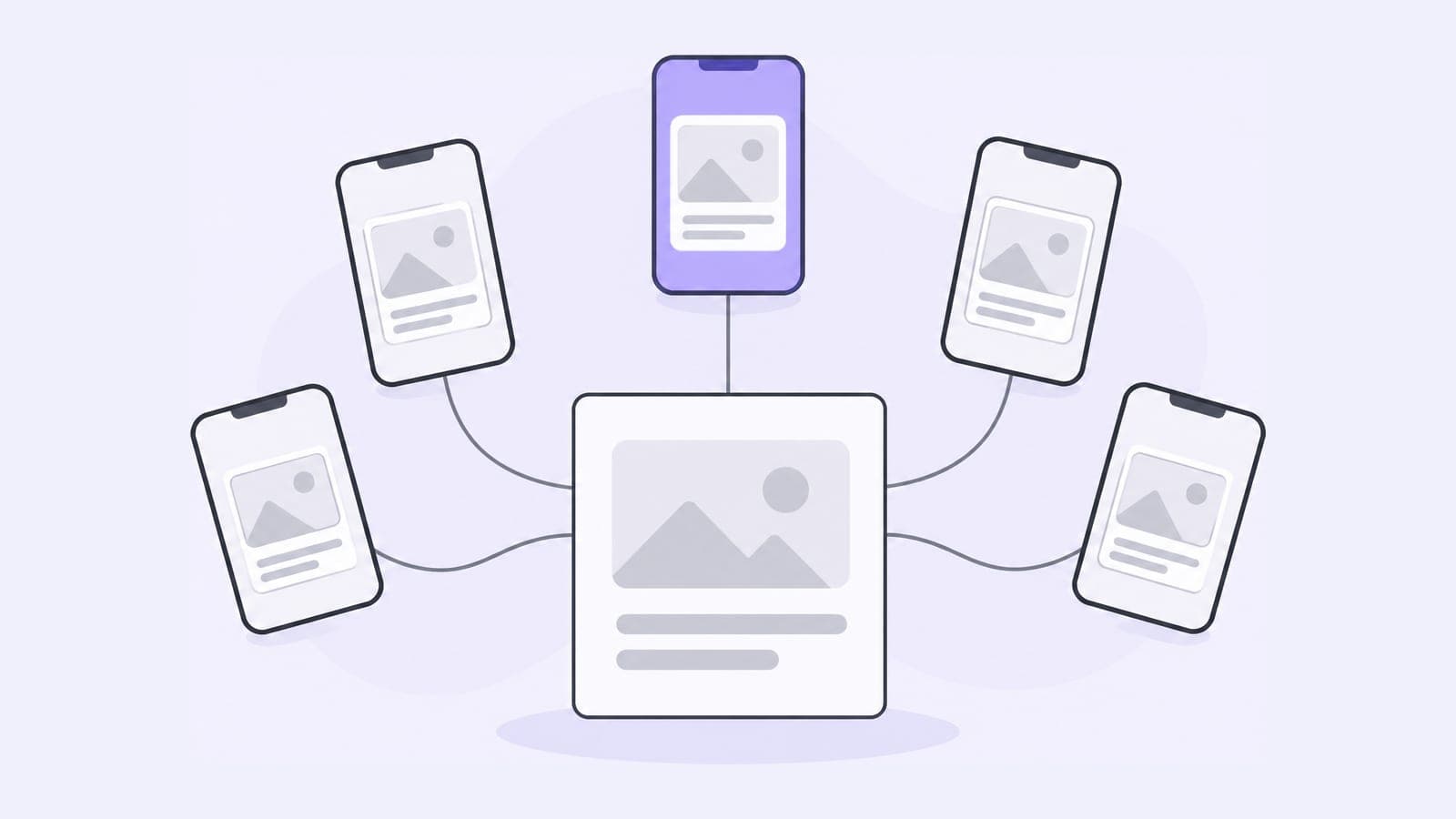
To post to multiple platforms at once, write the post in a social media scheduler, select an account on each network and publish or schedule it in one step. Without a third-party tool, Meta's own apps can publish the same post to Facebook, Instagram and Threads together. On YouTube, the Share button sends a link to the video to other networks rather than posting a copy (YouTube Help).
How to post to Facebook, Instagram and Threads at once
Meta links its apps through Accounts Center, so one post can go to all three.
From the Instagram app
- Add a photo or video and go to the last screen.
- Scroll down to Also share on… and turn on the toggles next to Facebook and Threads.
- For Threads, pick Share this post for this one or Always share posts for all future ones.
- Tap Share.
Your Instagram and Threads profiles must be linked, and Facebook must be in the same Accounts Center as Instagram. Deleting the post on Instagram doesn't delete it on Threads (Instagram Help).
From the Facebook app
When you create a post with a photo or video, tap the Instagram button under your name and turn sharing on. Reels and Stories have their own sharing toggles. The steps for each are in our guide on how to share a Facebook post to Instagram.
From Meta Business Suite
For a Facebook Page and an Instagram professional account, click Create post, select both under Post to, add the media and publish or schedule. On desktop, Business Suite can also cross-post to Threads when your Threads profile is in the same business portfolio (Meta Business Help).
How to post to all social media at once with a scheduler
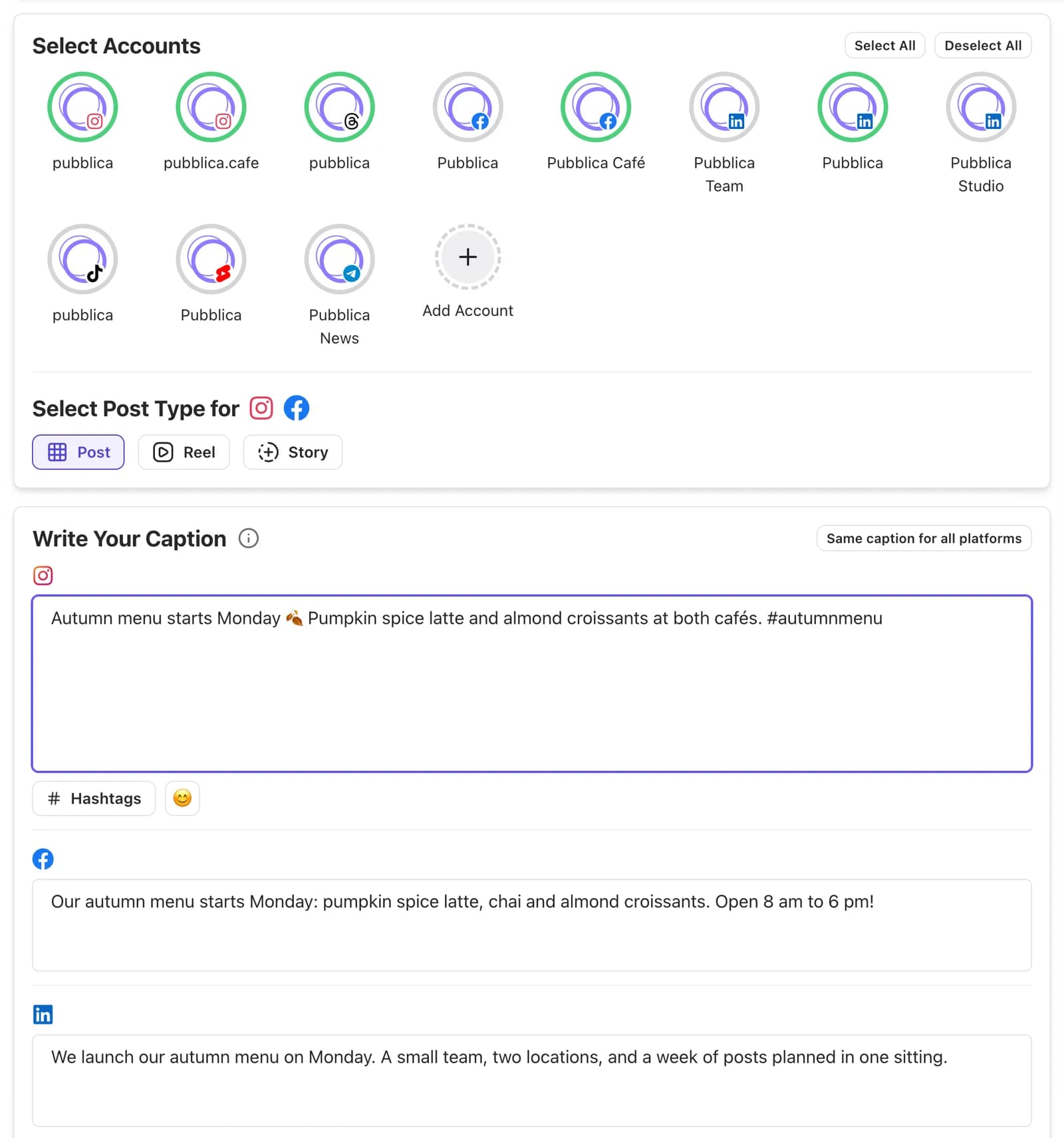
A scheduler publishes one post to every network you connect, Meta's apps included. In Pubblica, which posts to Instagram, Threads, Facebook, LinkedIn, X, TikTok, YouTube Shorts, Pinterest, Telegram, it works like this:
- Connect your accounts. Sign in to each network through its own login. Pubblica publishes through each network's official API and never sees your passwords.
- Write the post once and pick the accounts. Select every account the post should go to, including several on the same network. Keep one caption or write a separate one for each network.
- Add images or video. Pubblica checks each file against each network's limits as soon as you add it, so you see a file a network would reject before you publish.
- Check the preview and publish. See how the post looks on each network, then publish now or pick a date and time.
Every post then sits on a calendar with its networks and time, so you can move or edit it before it goes out. More on what runs on its own: social media automation. To run accounts for several brands or clients, see how to manage multiple social media accounts.
How to post a video on all platforms at once
To post one video on all platforms at once, export it as a vertical file and publish it from a scheduler to Instagram, TikTok, YouTube and Facebook together.
- Export one vertical video. Instagram Reels, TikTok, YouTube Shorts and Facebook Reels all play full-screen vertical video.
- Keep text and faces in the middle of the frame. Each app covers the edges with its buttons and captions. Check your frame with the TikTok safe zone checker.
- Pick the post type for each network. In Pubblica, choose Reel for Instagram and Facebook; the same video goes out as a TikTok video and a YouTube Short.
- Set one time or publish now. The video goes to every selected account together.
How to adapt one post for each network
One post can go everywhere, but four things usually change per network: caption length, image shape, links and tone.
- Caption length. A post on a free X account takes up to 280 characters and a Threads post 500, while a LinkedIn post takes 3,000. Check yours with the Twitter character counter, which covers every network.
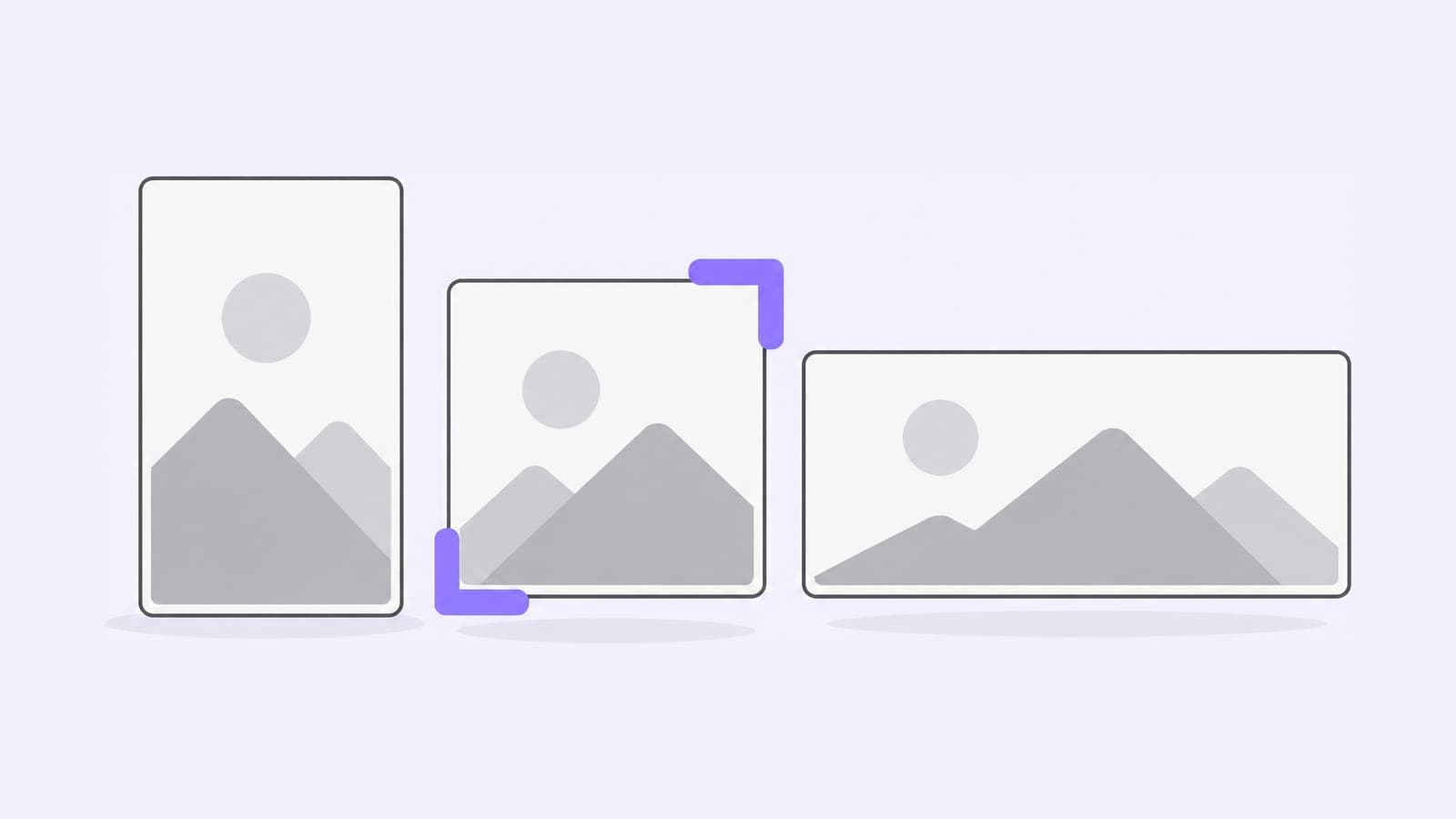
- Image shape. A 4:5 portrait fits Instagram and Facebook feeds, LinkedIn link images are wide, and Pins are tall. The sizes for each placement are in our guide to social media image sizes.
- Links. Give each network its own link tagged with the Google UTM builder, so your analytics shows where visits come from.
- Tone. Keep the core message and change the opening line: shorter on X and Threads, more context on LinkedIn.
How to choose a scheduler for cross-posting
Pubblica, Buffer, Metricool, Publer and Fedica all have free plans that post to several networks, and Meta Business Suite is free for Facebook, Instagram and Threads. Their post and account limits differ: compare them in our list of free cross-posting apps.
Pubblica's Free plan includes 20 posts a month on every network except X, with unlimited accounts and no card. Pro is $20 a month for unlimited posts on all 9 networks, with a 7-day free trial. See both plans of our free social media scheduler.