Social Media Automation Tool for 9 Networks
Social media automation that posts for you: write once, set a time, and Pubblica publishes to 9 networks. Free plan; Pro $20/mo, unlimited accounts.
Social media automation is the use of software and rules to handle repetitive social media tasks, such as scheduling, publishing and sending one post to several networks, without doing each by hand. Pubblica automates that publishing work. Write a post once, pick your accounts on 9 networks, set a time, and it goes out on its own, evenings and weekends included.
What you can automate with Pubblica
Publishing at the time you set
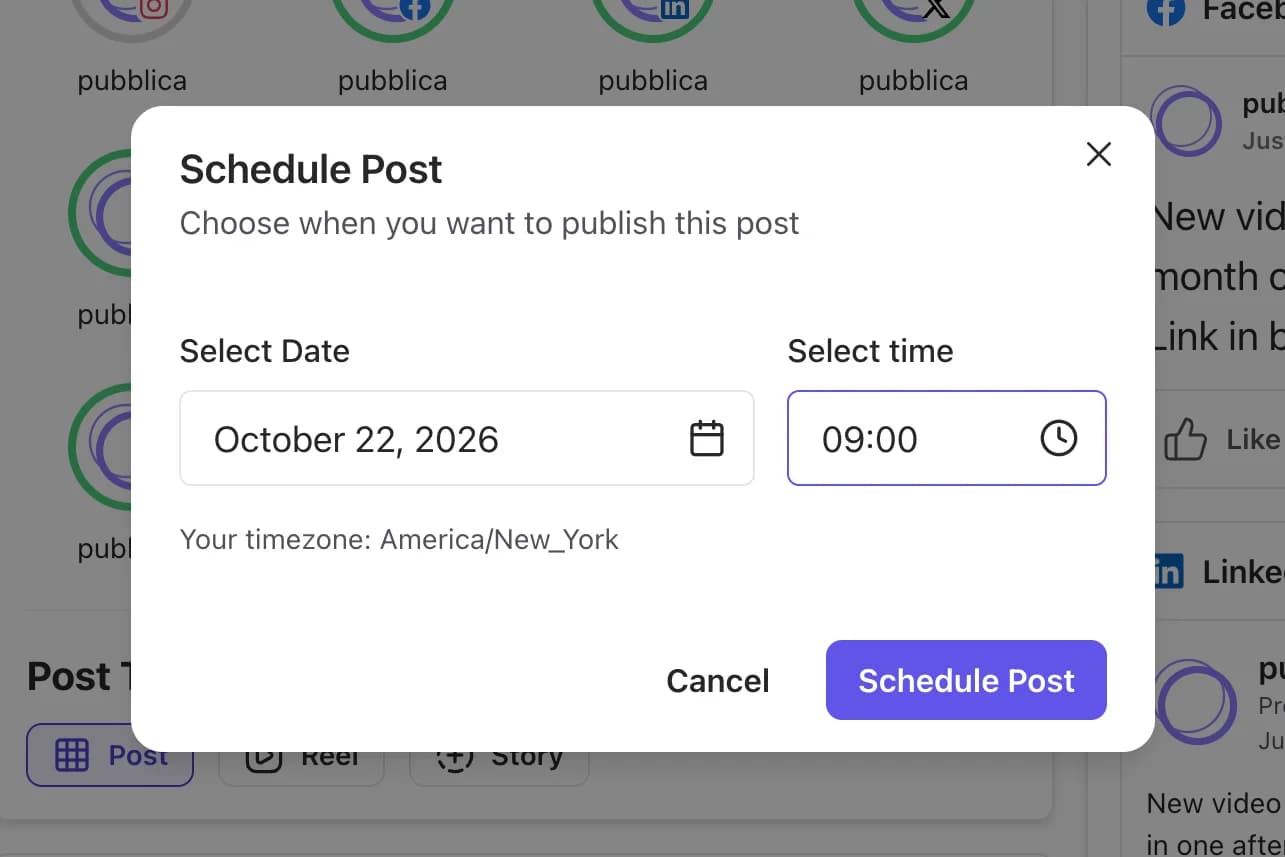
Pick a date and time for each post, and Pubblica publishes it then. The scheduler shows your time zone, so a post set for 9:00 goes out at 9:00 where you are. When a post can't wait, publish it right away.
One post to every account
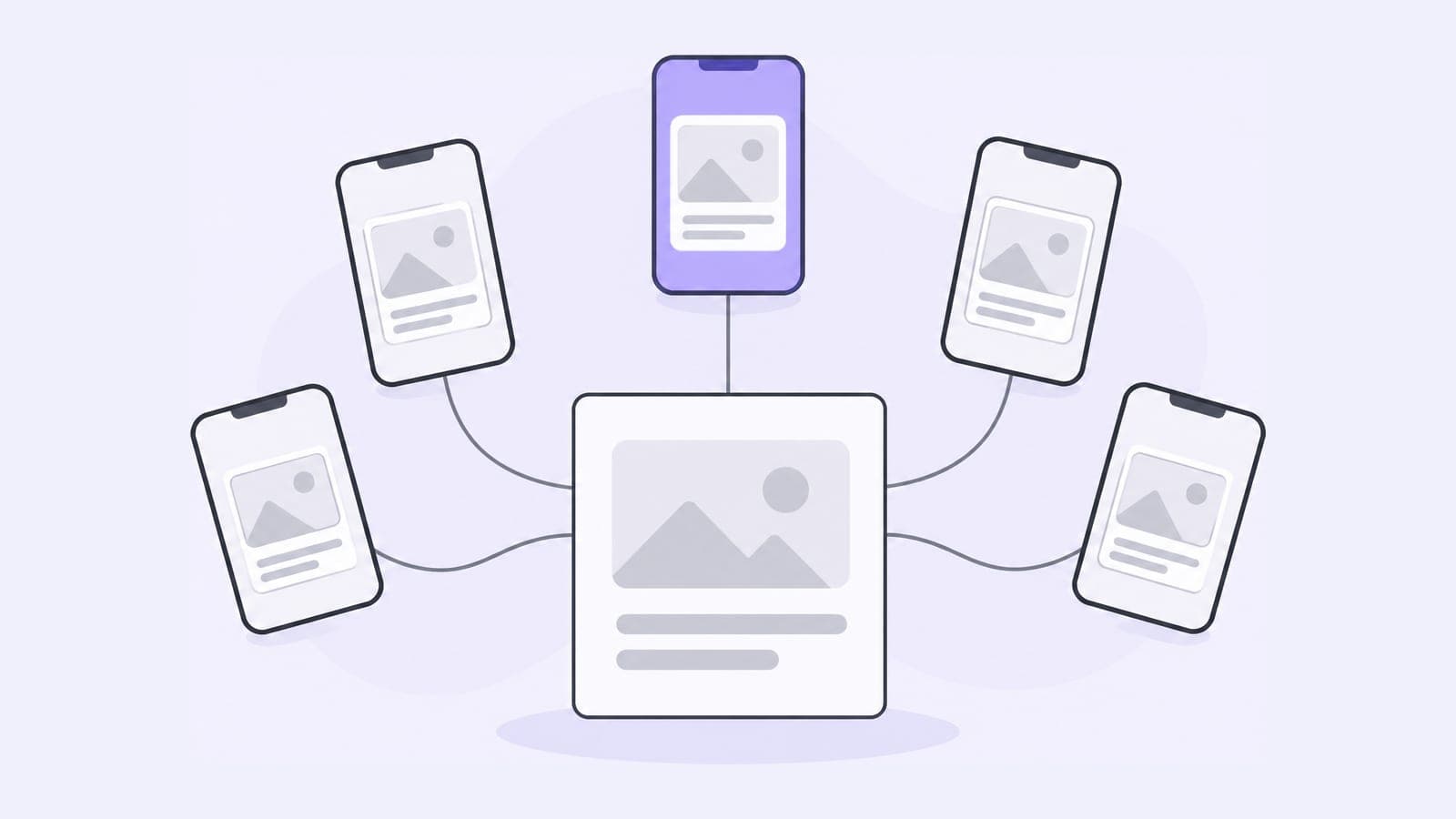
Select accounts on Instagram, Threads, Facebook, LinkedIn, X, TikTok, YouTube Shorts, Pinterest, Telegram, and one post goes to all of them. Use the same caption everywhere or write a separate one for each network. Connect as many accounts per network as you need on both plans, and manage multiple social media accounts in workspaces. What each network supports is on its own page: Threads scheduler, Pinterest scheduler, Facebook scheduler, YouTube scheduler, LinkedIn scheduler, X (Twitter) scheduler, TikTok scheduler, Instagram scheduler, Telegram scheduler.
File checks before publishing
Pubblica checks each image and video against the network's limits as soon as you add it. You fix a file in the composer instead of finding out from a failed post.
A preview for each network
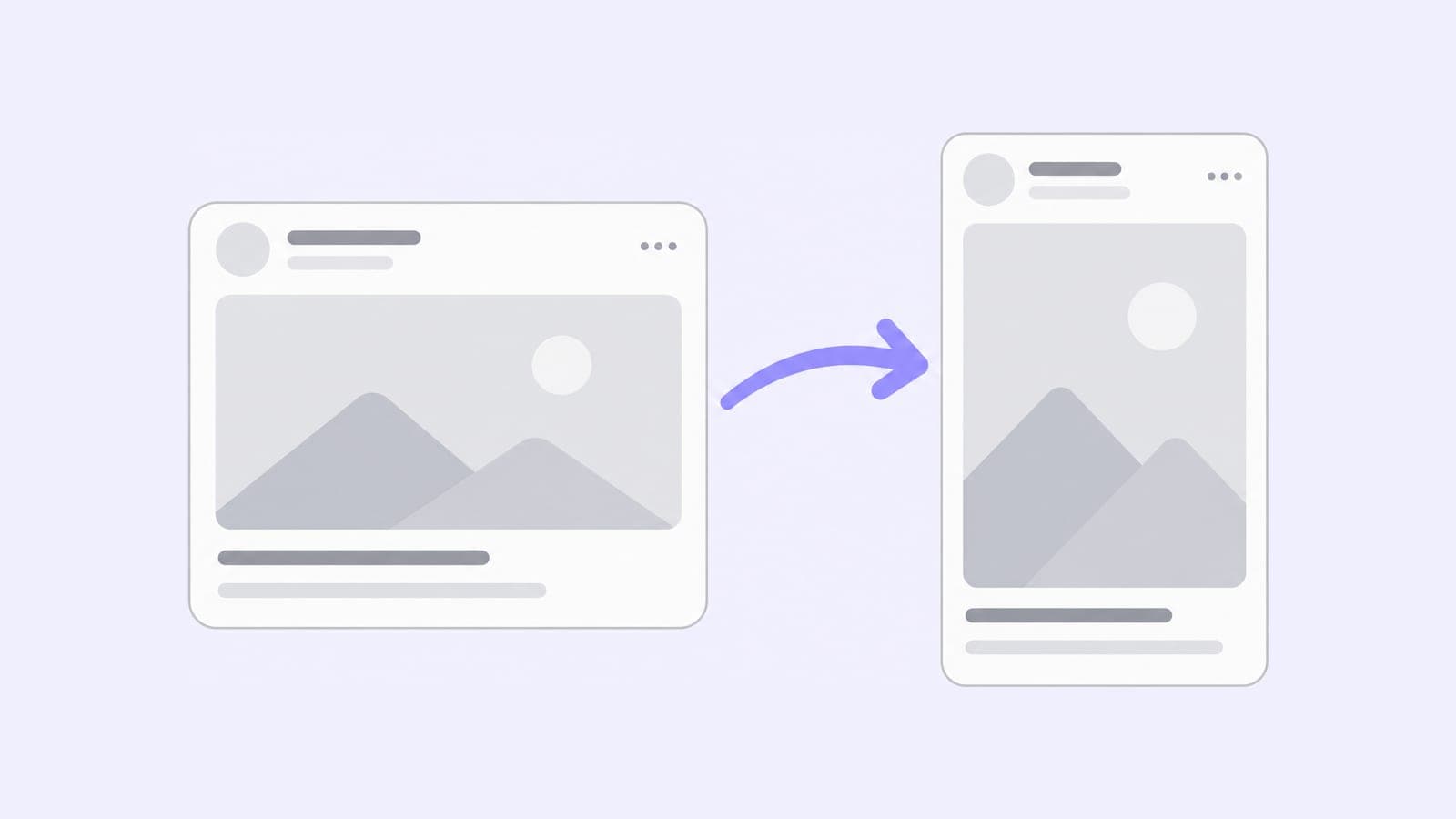
Before a post goes out, see how it will look on each network you picked.
Hashtags on Pro
On Pro, Pubblica suggests 10 hashtags tuned to each network for every post. Pick the ones that fit and they're added to the caption.
A calendar of everything planned
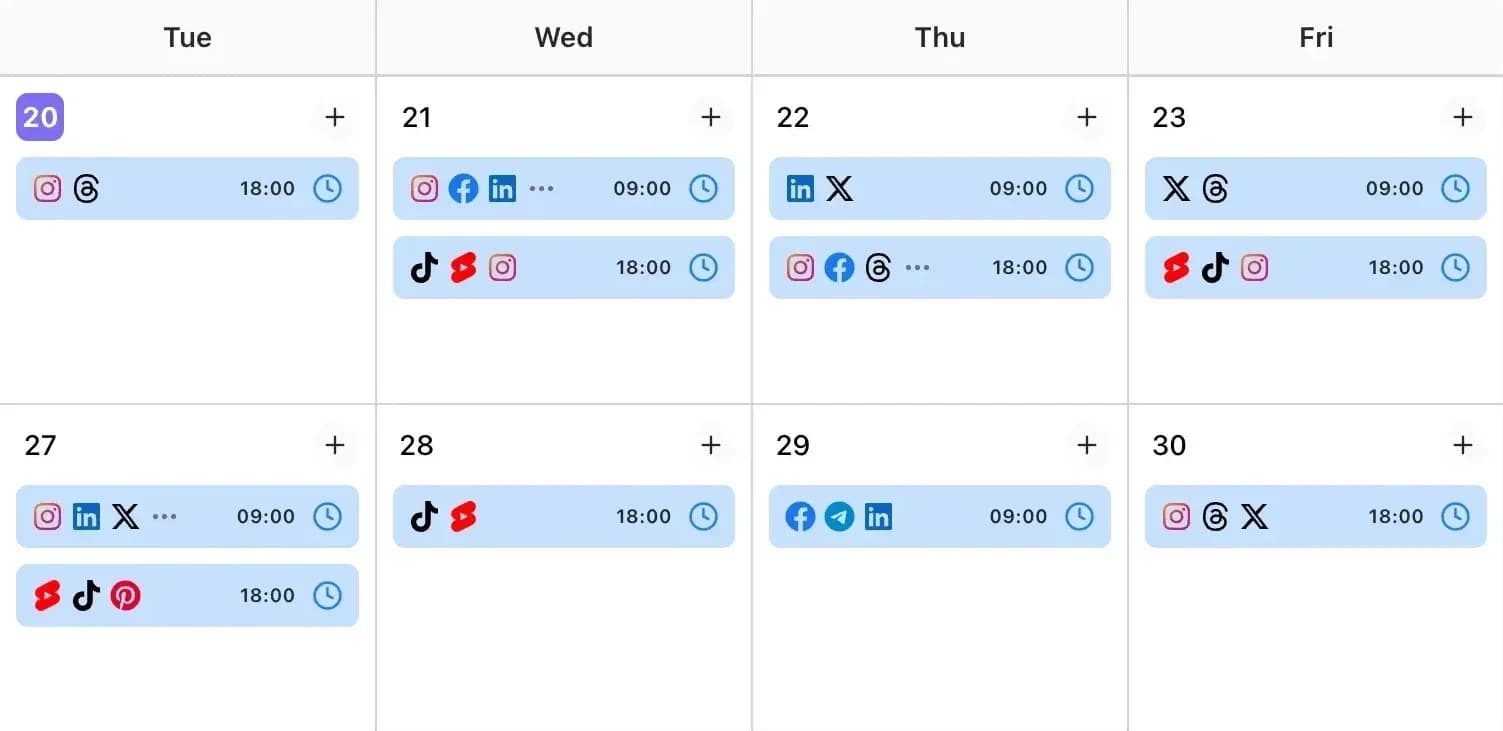
Every scheduled post sits on a calendar with its networks and time. Move a post to another day, edit it before it goes out, or retry a network where publishing failed.
How to set up social media automation in 3 steps
- Connect your accounts. Sign in to each network through its own login (OAuth). Pubblica never sees or stores your passwords.
- Write the post once. Add text, images or video, pick the accounts and check the preview for each network. Drafts save as you type.
- Pick a date and time. Pubblica publishes to every selected account at that time. Plan a week of posts in one sitting, then check the calendar instead of setting reminders.
Social media automation examples
- A week of posts in one sitting. On Monday, write five posts and schedule each for the morning. They go out through Friday while you work on something else.
- One launch across your networks. Announce a product or a new video on Instagram, Threads, LinkedIn and Telegram at the same hour with one post. Give each network a caption with its own link from the Google UTM builder to compare where visits come from.
- One video on three networks. Upload a short video once and publish it to Instagram, TikTok and YouTube together.
- A workspace for each client. A social media manager groups each client's accounts in a workspace, schedules their posts there and checks that client's calendar.
- Posts at your audience's hour. If your followers are online at 8 pm, schedule for 8 pm and spend the evening offline.
What to automate and what to do by hand
Automate the work that repeats, such as publishing at set hours, sending one post to several networks and adding hashtags. Handle conversations yourself.
Replies, comments and messages read better when a person writes them, and posts about breaking news are easier to publish live than to plan. If the news changes your week, move or edit the posts that no longer fit. Pubblica handles the publishing, which leaves you time to reply.
Types of social media automation tools
Social media automation tools fall into three types: all-in-one suites, schedulers and workflow builders.
- All-in-one suites such as Hootsuite and Sprout Social. Publishing comes with an inbox, analytics and reports for teams, and both bill per user.
- Schedulers such as Buffer, Later and Pubblica. They focus on planning and publishing posts. Buffer bills per channel, Later per social set, and Pubblica Pro is $20 a month flat for unlimited accounts.
- Workflow builders such as Zapier and Make. They connect apps through triggers and actions, and you build the posting flow yourself.
To compare prices, free plans and trials, see our list of the best social media schedulers; for free plans alone, see free cross-posting apps.
Is social media automation safe for your accounts?
Pubblica publishes through the official APIs that networks offer for publishing tools: Meta's content publishing API for Instagram, TikTok's Content Posting API, the official APIs of LinkedIn, Pinterest, Google and X, and the Telegram Bot API. Meta and TikTok approved Pubblica in app review before it could publish.
You connect each account through the network's own login, so Pubblica never sees your password. Disconnect an account in Pubblica, or revoke access in the network's settings, and publishing to it stops.
Who Pubblica's automation is for
- Creators who post the same video or update to several networks and want it out at the hour their audience is online.
- Freelancers and social media managers who run client accounts: connect as many accounts as needed and group them by client in workspaces.
- Indie founders and small teams who want posts going out on schedule without an enterprise tool. More on social media management for small business.
The Free plan includes 20 posts a month on every network except X, with unlimited accounts and no card. Pro is $20 a month for unlimited posts on all 9 networks and AI hashtags, with a 7-day free trial. See both plans of our free social media scheduler.