Free LinkedIn Scheduler for Profiles and Pages
Free LinkedIn scheduler for profiles and Pages: write once, set a time, and Pubblica publishes to LinkedIn and 8 other networks. Free plan; Pro $20/mo.
Yes, you can schedule LinkedIn posts: LinkedIn has a Clock icon in its post composer, and Pubblica schedules them from your browser along with your other networks. Write a post once, pick your LinkedIn profile or Page and any of 8 other networks, set a time, and it publishes on its own.
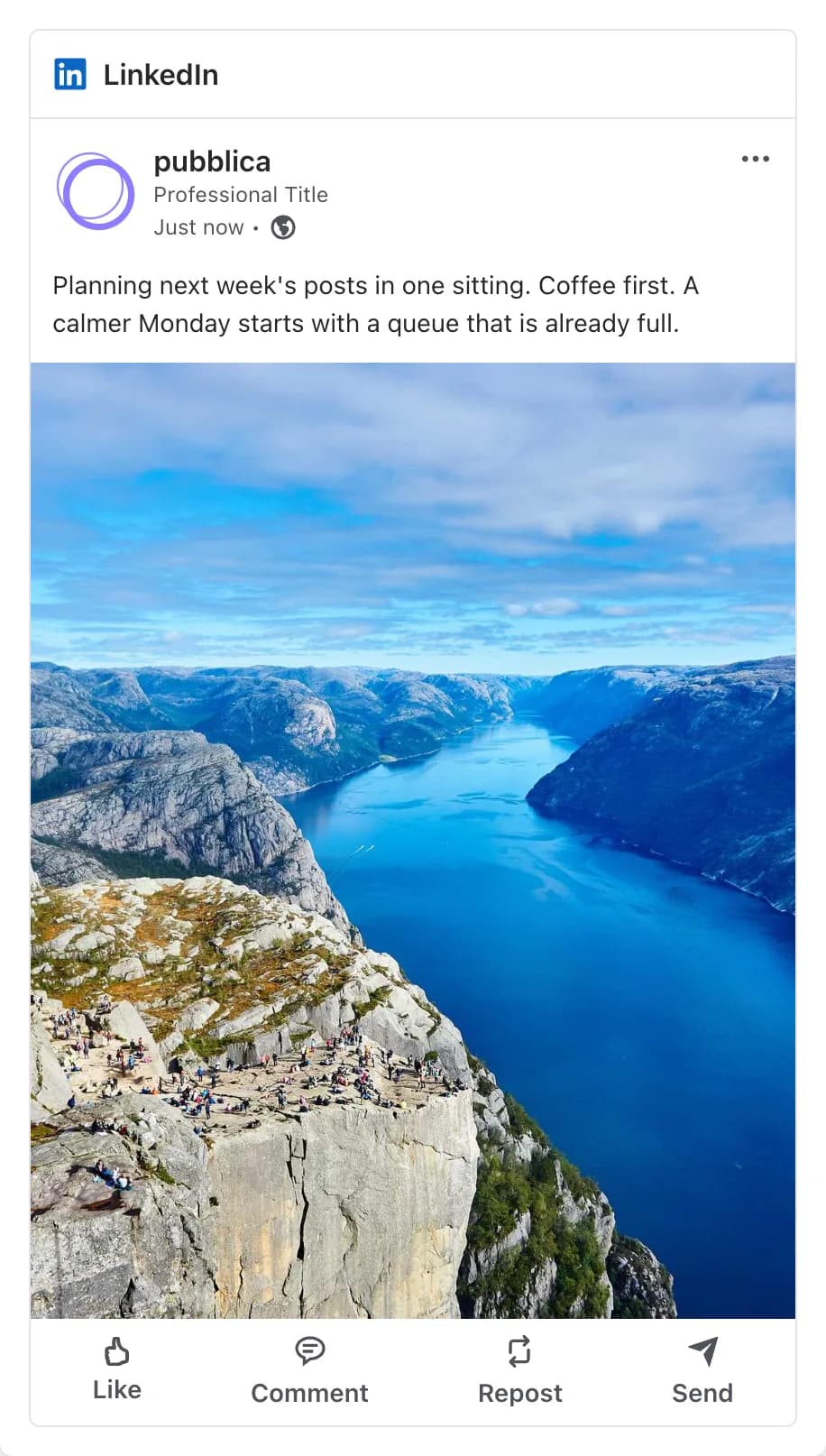
How to schedule posts on LinkedIn
You schedule a post from LinkedIn's composer, following the steps in LinkedIn Help:
- Click Start a post and write your post.
- Click the Clock icon in the lower-right corner of the composer.
- Choose a date and time, click Next, then click Schedule.
LinkedIn lets you schedule a post between 10 minutes and 3 months ahead. To see your scheduled posts, click the Clock icon and then View all scheduled posts: from there you can change the time or edit a post. Super admins and content admins schedule Page posts the same way from the Page.
How to schedule LinkedIn posts with Pubblica
Scheduling LinkedIn posts in Pubblica takes three steps, all in your browser:
- Connect your profile or Page. Sign in through LinkedIn's own login and choose your personal profile, the Pages you administer, or both. Pubblica publishes through LinkedIn's official Posts API and never sees or stores your password.
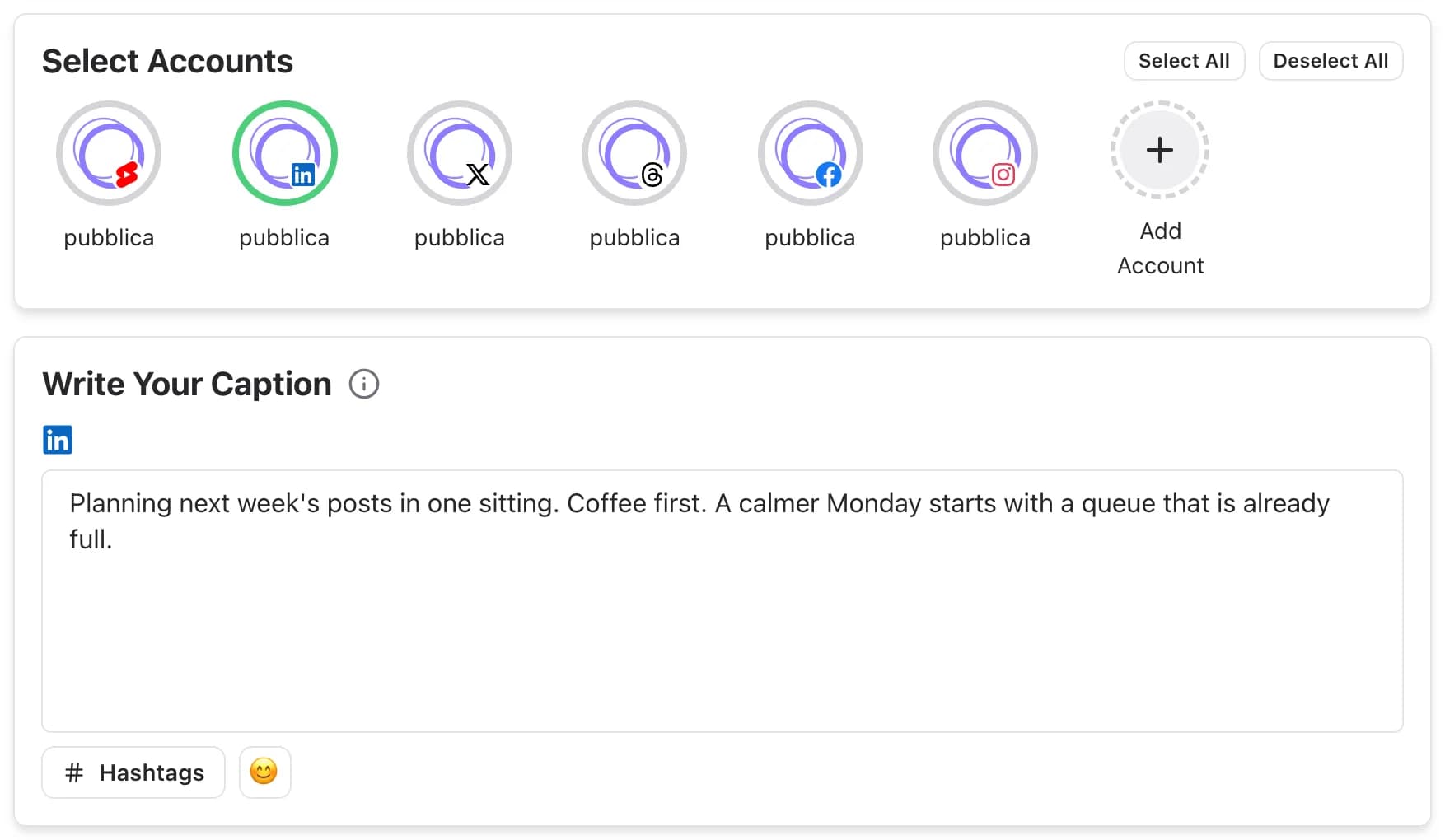
- Write the post and pick the networks. Add text, images or a video, select LinkedIn and any other accounts, and check the LinkedIn preview. Pubblica checks each file against LinkedIn limits as soon as you add it. For the right shape, see LinkedIn image sizes.
- Set the date and time. Pubblica publishes the post to every selected account at that time. The scheduler shows your time zone, and you can pick any date in the future. To choose the hour, see the best time to post on LinkedIn.
What you can post to LinkedIn with Pubblica
Pubblica publishes text posts, images and videos to a LinkedIn profile or Page:
- Text posts. Publish an update or a short story without any media. Tag its link with the LinkedIn UTM builder to see visits from LinkedIn in Google Analytics.
- One image or several. Attach one photo, or several to publish them together in one post.
- A video. Attach one video and Pubblica publishes it with your text.
- A caption for LinkedIn only. Use the same text everywhere or write a longer version for LinkedIn, up to the LinkedIn post character limit.
Before the post goes out, the preview shows how it will look on LinkedIn.
LinkedIn and your other networks
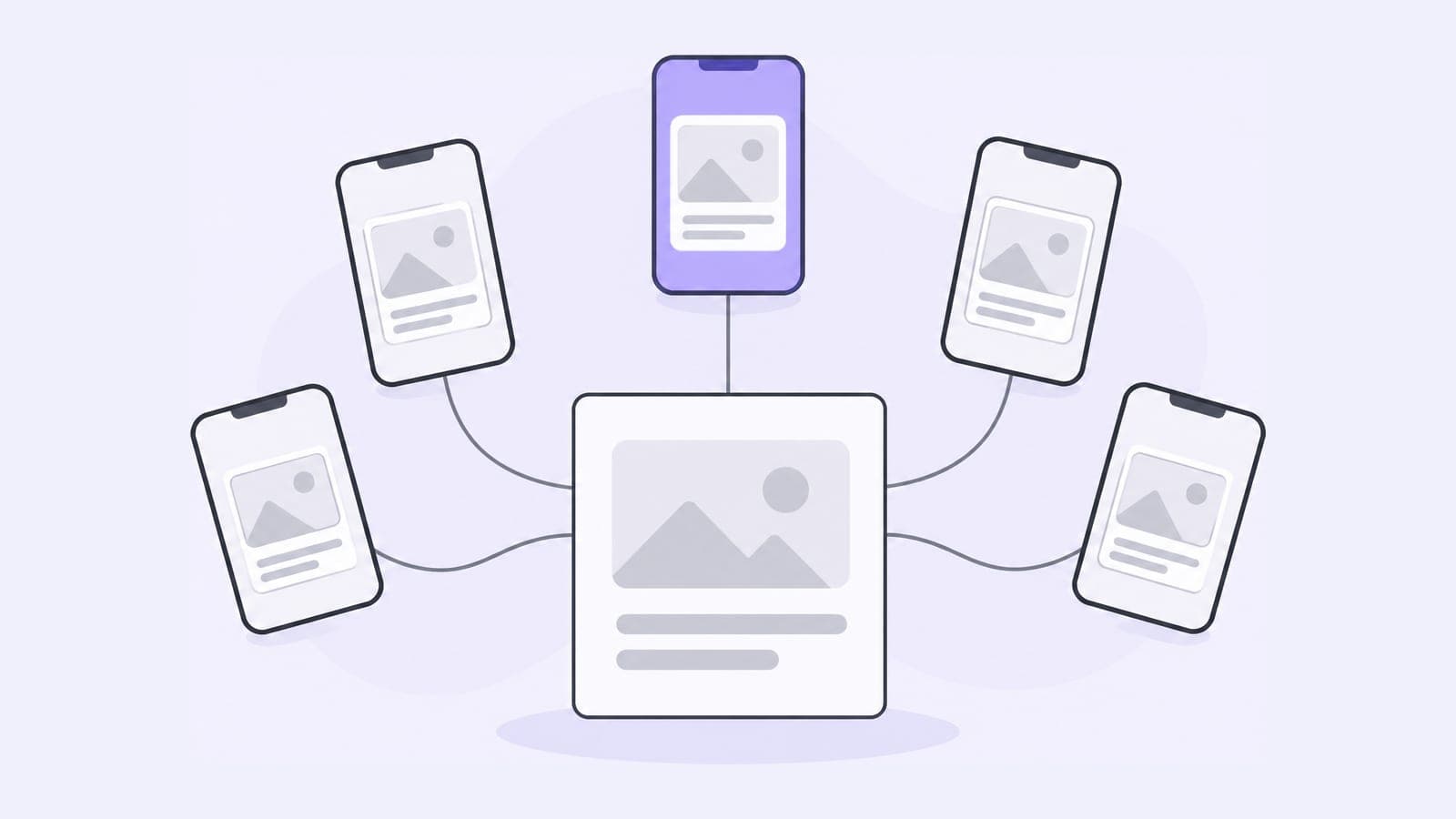
If you also post to X, Threads or Facebook, one post in Pubblica goes to all of them: select the accounts, keep one caption or write one per network, and set a single time. A product update can go out as a full LinkedIn post and a shorter X post at the same hour.
The same composer covers the rest of your networks. Send a shorter version with the X (Twitter) scheduler, or share the update on your Facebook Page with the Facebook scheduler. Longer updates also fit a channel post with the Telegram scheduler.
When to use LinkedIn's scheduler and when to use Pubblica
LinkedIn's own scheduler is free and covers posts from 10 minutes to 3 months ahead. A scheduler fits when LinkedIn is one of several networks or you plan further ahead:
- you post the same update to LinkedIn and X, Threads or Facebook;
- you plan more than 3 months out;
- you want every scheduled post, on every network, on one calendar;
- you run your profile and your company Page, or Pages for clients, and group them in workspaces.
Who Pubblica's LinkedIn scheduler is for
- Indie founders and consultants who post to their profile and their company Page every week.
- Freelancers and social media managers who run LinkedIn Pages for clients: connect as many as you need on both plans.
- Small teams that share product news on LinkedIn, X and Threads without an enterprise tool.
The Free plan includes LinkedIn and 20 posts a month on every network except X, with unlimited accounts and no card. Pro is $20 a month for unlimited posts on all 9 networks and AI hashtags, with a 7-day free trial. See both plans of our free social media scheduler.