Pubblica
Sign InTry for free

Twitter Character Limit & Counter for 9 Networks

Twitter character limit: 280 per post, 25,000 with X Premium. Free counter checks a post against 9 networks at once, links and emoji included.

NetworkCharactersHashtags
Instagram0/ 2,2000/ 5
Threads0/ 5000/ 1
Facebook0/ 63,2060/ 3
LinkedIn0/ 3,0000/ 5
X0/ 2800/ 2
TikTok0/ 2,2000/ 6
YouTube Shorts0/ 5,0000/ 5
Pinterest0/ 8000/ 5
Telegram0/ 4,0960/ 3

X counts every link as 23 characters and every emoji as 2. Hashtags: a hard limit on Instagram and Threads, the recommended maximum elsewhere.

How to use the character counter

  1. Paste or type your post. The counter updates as you type, and the text never leaves your browser.
  2. Check each network. Every row shows the characters you've used against that network's limit and turns red when the post is too long.
  3. Check the hashtags. The count turns red above the hard limit on Instagram and Threads, and orange above the recommended number elsewhere.
  4. Trim where needed. Shorten the post for the networks in red, or write a separate version for them.

Twitter (X) character limit

A post on X can be up to 280 characters on a free account. X Premium subscribers on any tier, including Basic, can post up to 25,000 characters, and everyone on X can read those longer posts. A bio can be up to 160 characters and a display name up to 50.

How X counts characters

X counts characters by weight, not one by one:

  • Links: 23 characters each, however long, because X shortens every link with t.co.
  • Emoji: 2 each, including combined emoji such as families and flags.
  • Chinese, Japanese and Korean characters: 2 each.
  • Latin letters, numbers, spaces and most punctuation: 1 each.

Threads and YouTube count in their own way too. Threads counts each emoji by its size in UTF-8 bytes, and YouTube limits the description to 5,000 bytes, not characters. The counter applies each network's rule.

Social media character limits by network

NetworkPost textOther limits
Instagram2,200 per captionBio 150; 5 hashtags per post; 1,000 per DM sent through the API
Threads500 per post1 topic and 5 links per post; text attachment 10,000 in the app
Facebook63,206 per post—
LinkedIn3,000 per post—
X280 per post; 25,000 with PremiumBio 160; display name 50
TikTok2,200 per video captionPhoto posts: title 90, description 4,000
YouTube Shorts5,000 bytes per descriptionTitle 100; tags 500 in total; more than 60 hashtags are all ignored
Pinterest800 per Pin descriptionPin title 100
Telegram4,096 per message1,024 per caption with media

The counter checks a Telegram post against the message limit; with a photo or video attached, keep it within the caption limit. Meta doesn't publish a character limit for Facebook posts, so the counter uses 63,206, the figure most guides give. The other limits come from each network's help center or developer docs: LinkedIn, Instagram, Instagram messaging, TikTok, Pinterest and Telegram.

Hashtags have their own limits: Instagram allows 5 per post, Threads one topic, and YouTube ignores every hashtag on a video with more than 60.

Tips for writing within character limits

  • Start with the shortest version. Fit the post to X, then add detail for the networks with more room.
  • Paste links in full. Tags from the UTM builder lengthen a link, and the counter shows how that changes the count on each network.
  • Count hashtags as text. Each tag, with its #, uses characters like any other word.

When the post is ready, Pubblica checks it against the limit of every network you pick, including longer posts on X Premium accounts, and publishes it at the time you set. See how it works with the Twitter scheduler.
More free tools

Work in your browser, no sign-up

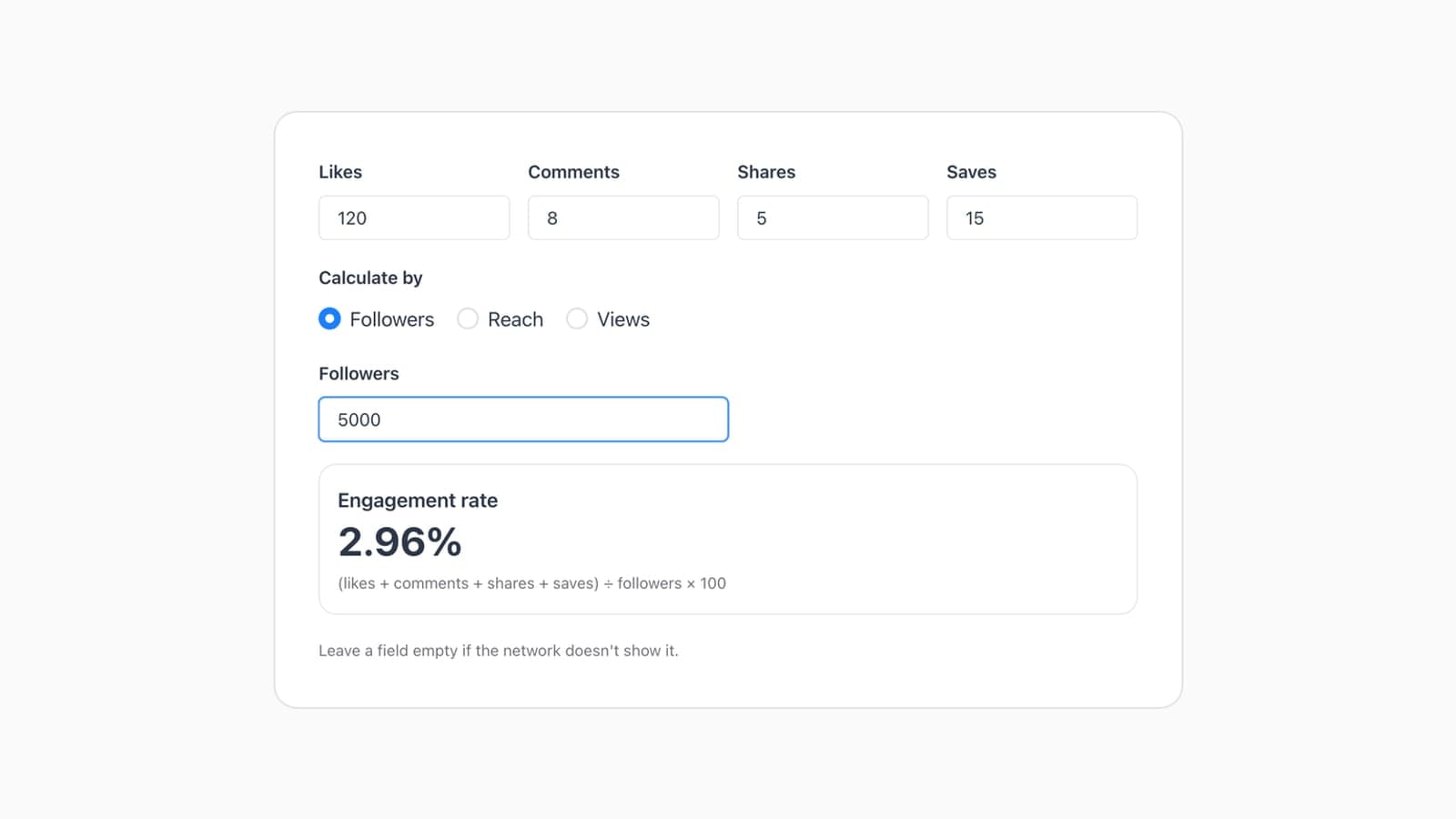
Engagement Rate Calculator for Instagram & TikTok

Engagement rate = (likes + comments + shares + saves) ÷ followers × 100. Free calculator finds it by followers, reach or views for Instagram and TikTok.

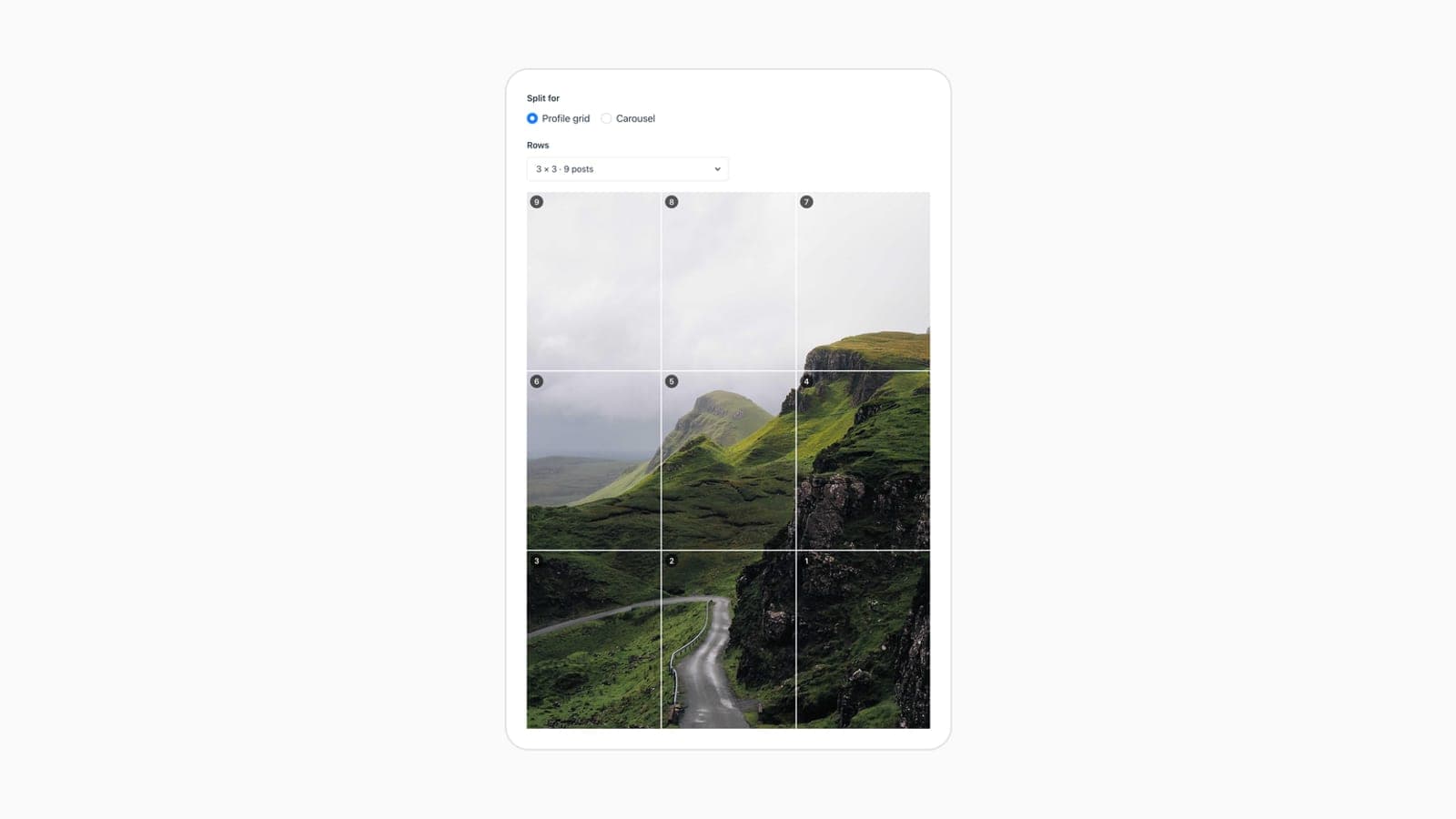
Instagram Grid Maker & Carousel Splitter

Free Instagram grid maker: split one image into 3 to 15 posts of 1080×1350 for the 3:4 profile grid, or into a carousel of up to 20 slides.

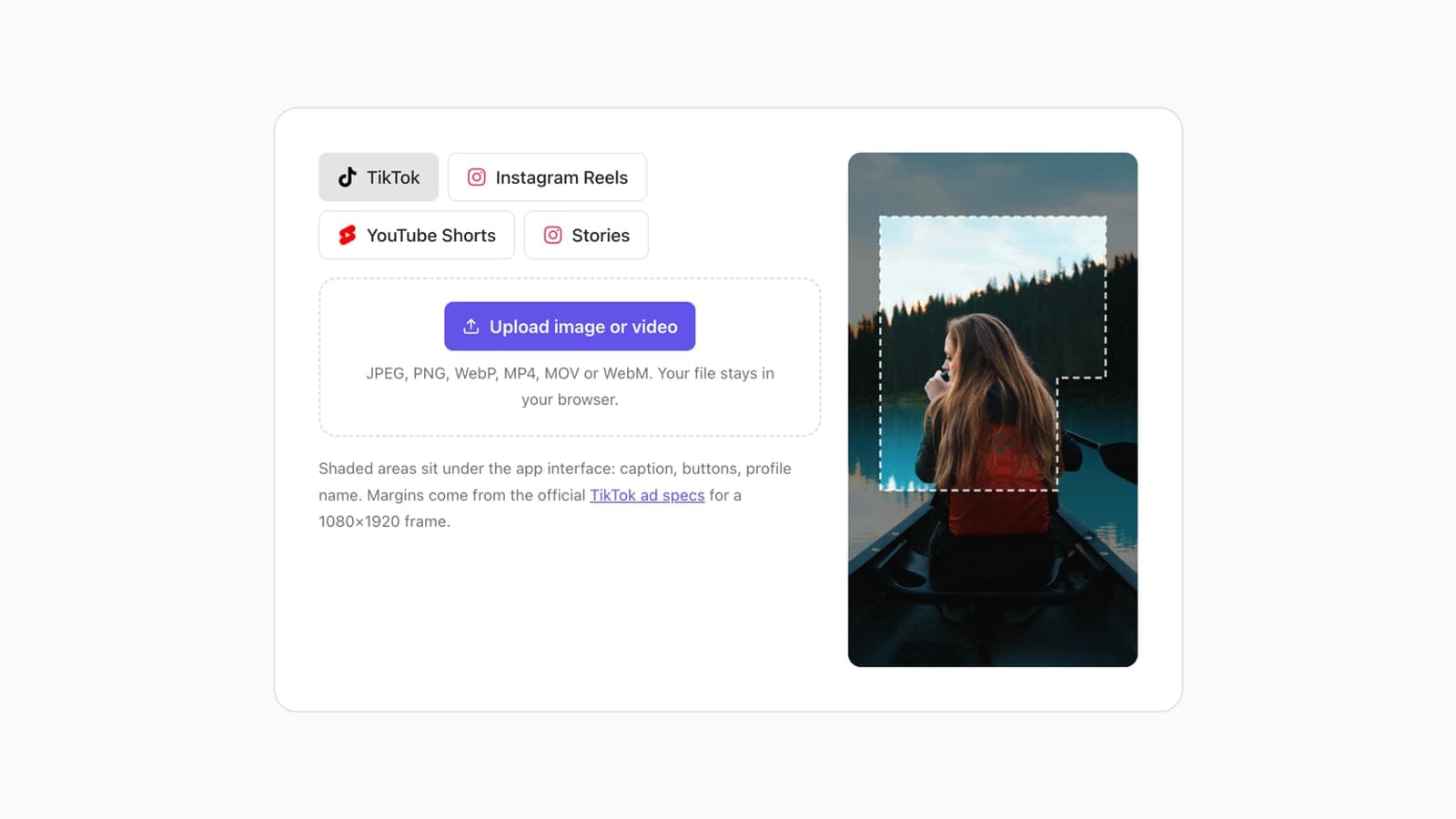
TikTok Safe Zone Checker for Reels & Shorts

TikTok safe zone: keep text 240 px from the top, 660 px from the bottom and 120 px from the sides of a 1080×1920 clip. Also Reels, Shorts and Stories.

Free Google UTM Builder for Social Media

Free UTM builder for Google Analytics 4: tag a link with source, medium and campaign for 9 networks, including LinkedIn and Facebook. No sign-up.

Character limit FAQ

If it's not here, email support@pubblica.net and a person will reply

How many characters can a tweet be in 2026?

A post on X can be up to 280 characters on a free account and up to 25,000 with any X Premium tier, including Basic. Each link counts as 23 characters and each emoji as 2, so check posts with links or emoji in the counter before you publish them.

Does Twitter still have a 140 character limit?

No. A post on X can be up to 280 characters on a free account and up to 25,000 with X Premium. Only Chinese, Japanese and Korean posts still top out at 140 characters on a free account: X counts each of their characters as 2.

How do you write more than 280 characters on X?

Subscribe to X Premium: every tier, including Basic, lets you post up to 25,000 characters, and anyone on X can read the longer post. On a free account, split the text into a thread of connected posts, each within 280 characters.

What is the Instagram character limit?

An Instagram caption can be up to 2,200 characters with up to 5 hashtags per post. The counter checks both the length of your caption and the number of its hashtags as you type.

What is the Instagram bio character limit?

An Instagram bio can be up to 150 characters. It's a separate limit from posts: a caption can run to 2,200 characters. You edit the bio under Edit profile in the Instagram app.

What is the maximum character limit for Facebook posts?

Meta doesn't publish a character limit for Facebook posts. The figure most guides give, and the one this counter uses, is 63,206 characters. The counter turns red when a post passes that figure, so paste yours in to check it before you publish.

What is the LinkedIn post character limit?

A LinkedIn post can be up to 3,000 characters. Write the full version of an update there, then shorten it to 280 characters for X and to 500 for Threads; the counter shows each network's limit next to your text as you type.

What is the Threads character limit?

A Threads post can be up to 500 characters, with 1 topic and up to 5 links. Threads counts each emoji by its size in UTF-8 bytes. In the app, you can also attach up to 10,000 characters of text to a post.

Further reading

Related guides from the Pubblica blog

Best Time to Post on Social Media in 2026, by Day

Best times to post on social media for every network, Monday to Sunday. Thursday at 9 AM leads on Instagram, Facebook and Threads.

How to Post to Multiple Platforms at Once

Post to Facebook, Instagram and Threads at once with Meta's own tools, or to every network with a scheduler: the steps, plus how to adapt each post.

Social Media Image Sizes 2026 + Free Resizer

Instagram, Facebook, LinkedIn, X, YouTube, Pinterest, Threads, TikTok and Telegram image sizes from each network's own specs, plus a free resizer.

Plan this week's posts in one sitting

Write them once and they go out on time

Start for Free
Free plan, no card
Cancel anytime
14-day money-back
Pubblica

Crossposting and scheduling for 9 networks, with a free plan.

Company

Aboutsupport@pubblica.net

© 2026 Pubblica · Made for creators & social media managers, not enterprises