Pubblica
Sign InTry for free

Instagram Grid Maker & Carousel Splitter

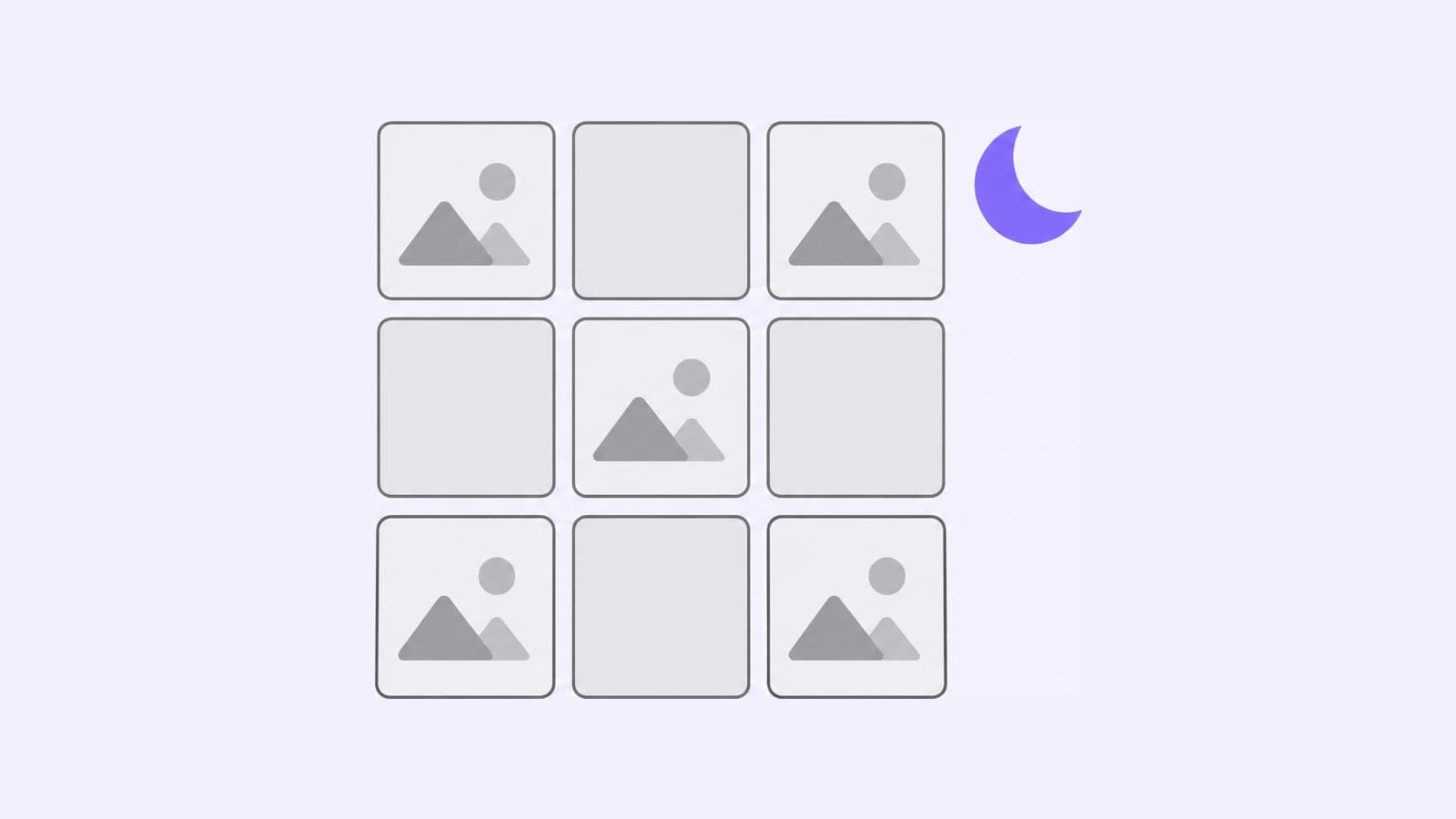
Free Instagram grid maker: split one image into 3 to 15 posts of 1080×1350 for the 3:4 profile grid, or into a carousel of up to 20 slides.

Split for

How to use the Instagram grid maker

  1. Upload an image. Use a JPEG, PNG or WebP file. It stays in your browser and isn't uploaded anywhere.
  2. Choose the layout. Pick Profile grid for a picture across several posts, or Carousel for one swipeable post.
  3. Set the size. For a grid, pick 1 to 5 rows of 3. For a carousel, pick 2 to 20 slides, 4:5 or square.
  4. Download the tiles. Tap a tile to save it, or download them all.
  5. Post in number order. Tile 1 goes first.

Instagram grid size in 2026

Make each Instagram grid post 1080×1350 px, a 4:5 portrait. Since January 2025, the profile grid shows posts as 3:4 rectangles instead of squares. The post keeps its shape in the feed, and the grid shows only its 3:4 center:

  • A 4:5 post of 1080×1350 shows as 1013×1350 and loses about 34 px on each side.
  • A square post of 1080×1080 loses about 135 px on each side.

The grid maker cuts 1080×1350 tiles that overlap in the source image, so their visible centers line up edge to edge. A 3:4 tile would fill the grid, but the Instagram publishing API accepts images from 4:5 to 1.91:1, and 4:5 tiles go through it and through schedulers like Pubblica.

For a sharp result, start with an image at least this big:

LayoutPostsEach tileImage size
Grid, 1 row31080×13503105×1350
Grid, 2 rows61080×13503105×2700
Grid, 3 rows91080×13503105×4050
Carousel, 3 slides, 4:511080×13503240×1350
Carousel, 3 slides, square11080×10803240×1080

A carousel needs 1080 px of width for each slide. Smaller images work too, with softer tiles. Reels and Stories have their own margins for text: check them with the Instagram safe zone checker.

An Instagram carousel holds up to 20 photos and videos in one post, and every slide takes the shape of the first one. The grid maker cuts a wide picture into slides of one shape, 4:5 or square, so the picture continues from slide to slide as people swipe.

A slide is 1080×1350 px at 4:5 or 1080×1080 px square, so 3 slides make one 3240×1350 px image. Add the slides to the post in number order. If the image is taller or wider than the slides need, the grid maker crops it from the center.

How to post an Instagram grid

  • Post in number order. Each new post appears at the top left of your profile, so tile 1 goes first and ends up at the bottom right.
  • Don't post anything in between. One extra post shifts every tile by one place and breaks the picture.
  • Pin three posts or none. You can pin up to 3 posts to the top of your profile, and they take the first places in the grid. Three fill the top row and the picture starts below it; one or two shift every tile out of its row.
  • Post later in threes. After the grid is up, a single new post moves every tile one place along. Posting 3 at a time keeps the rows of the picture together.

When the tiles are ready, Pubblica publishes them as separate Instagram posts in the order and at the times you set, and a carousel of up to 20 slides as one post. See how it works with the Instagram scheduler.
More free tools

Work in your browser, no sign-up

Twitter Character Limit & Counter for 9 Networks

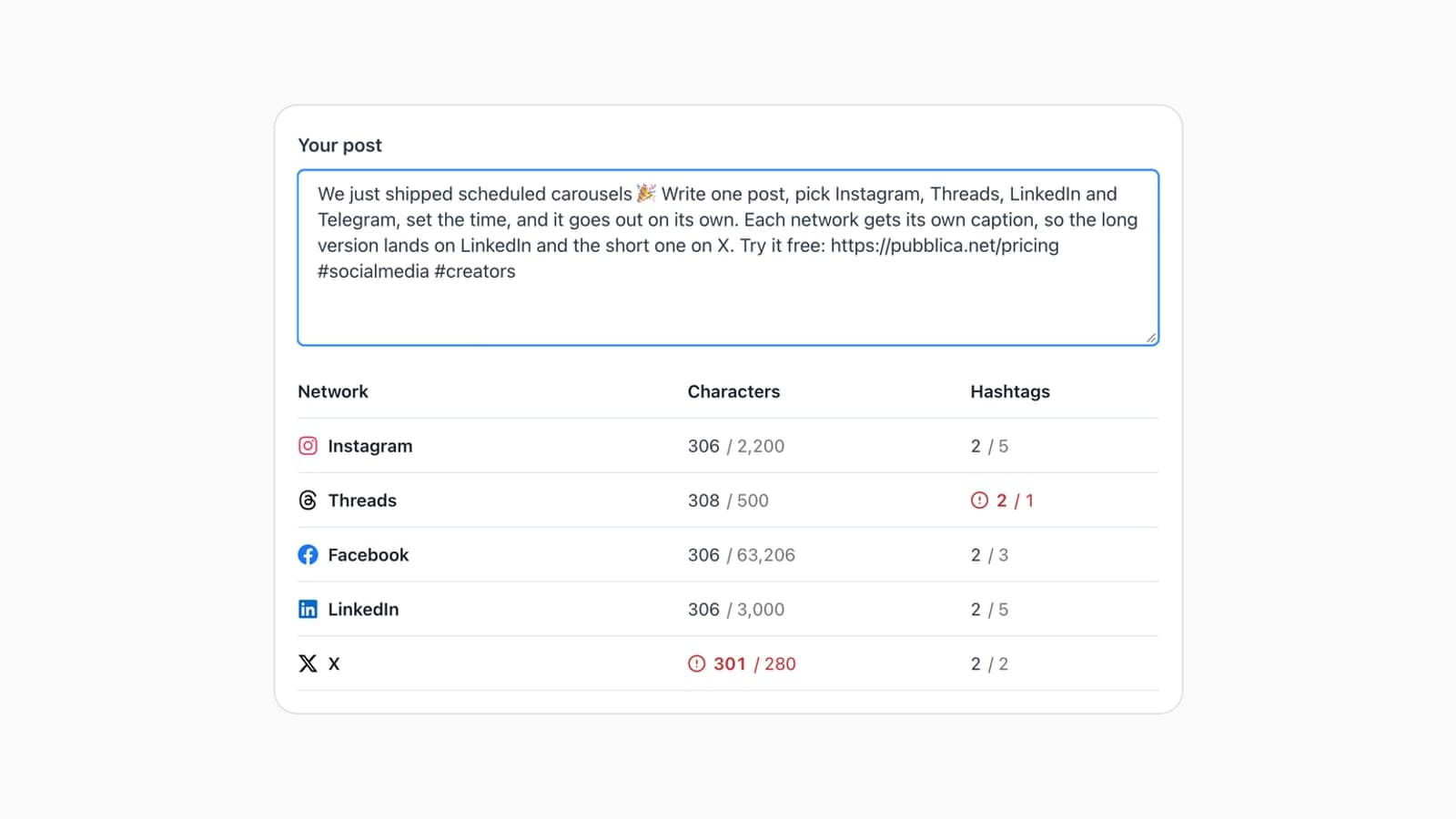
Twitter character limit: 280 per post, 25,000 with X Premium. Free counter checks a post against 9 networks at once, links and emoji included.

Engagement Rate Calculator for Instagram & TikTok

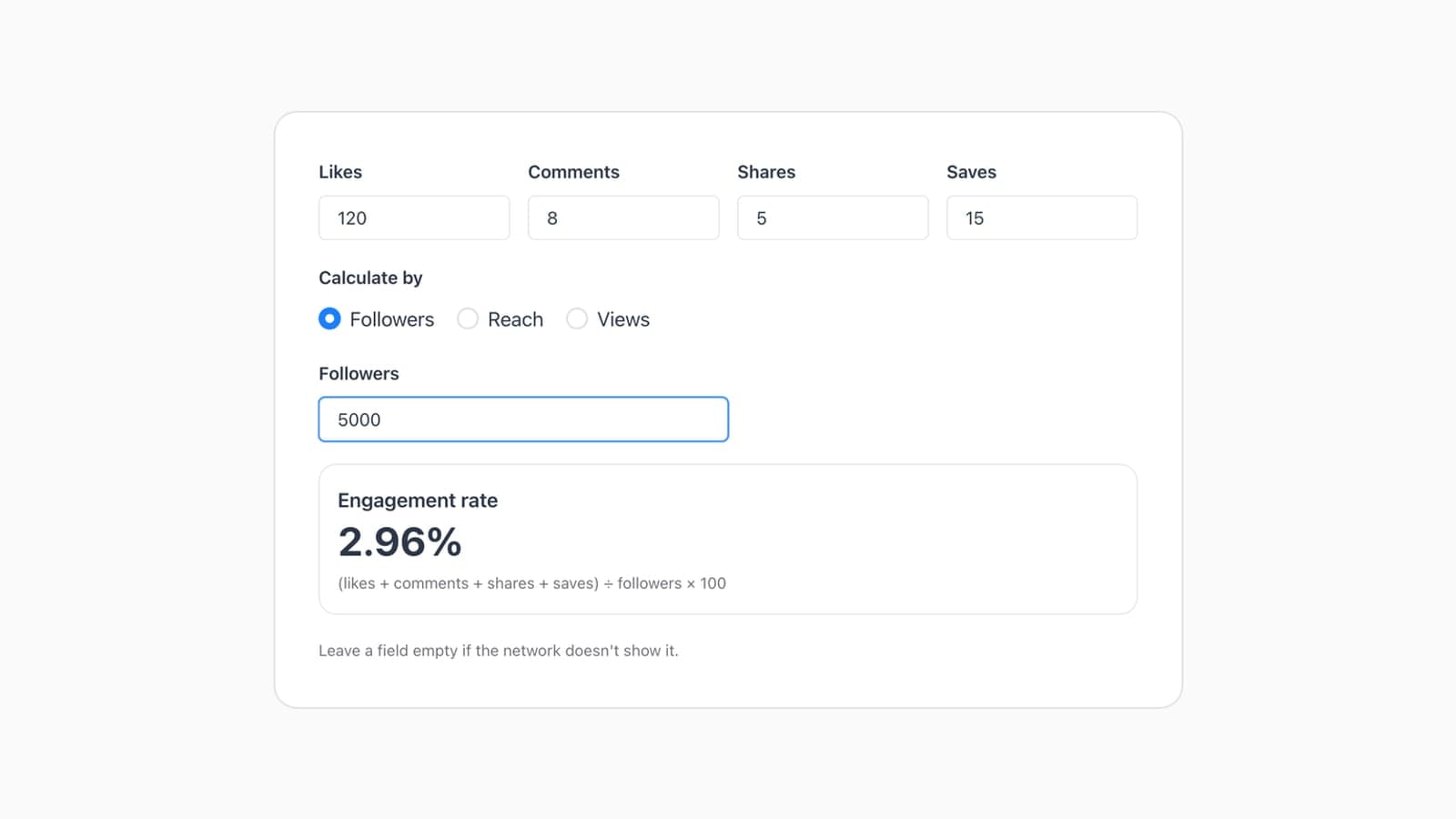
Engagement rate = (likes + comments + shares + saves) ÷ followers × 100. Free calculator finds it by followers, reach or views for Instagram and TikTok.

TikTok Safe Zone Checker for Reels & Shorts

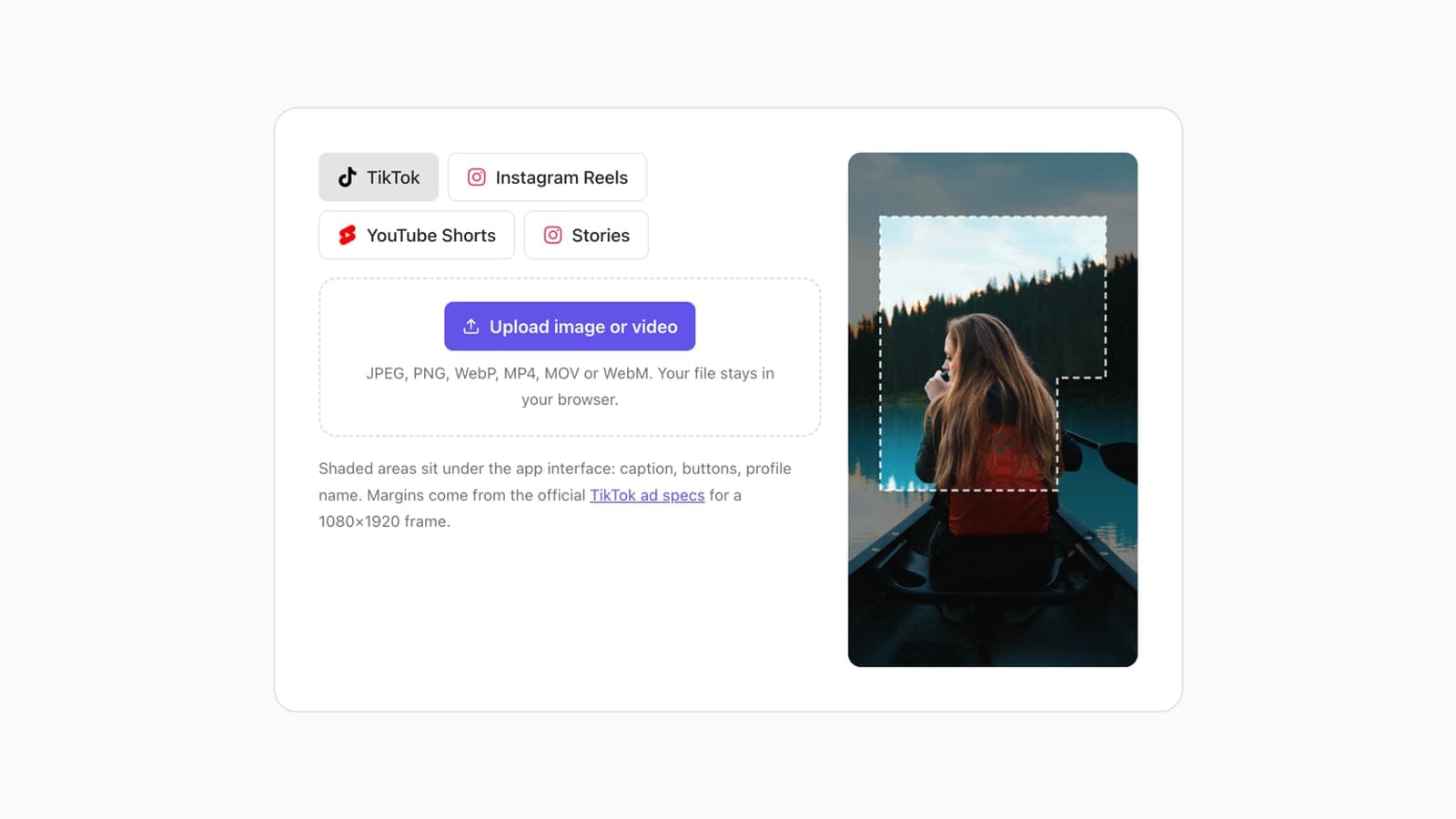
TikTok safe zone: keep text 240 px from the top, 660 px from the bottom and 120 px from the sides of a 1080×1920 clip. Also Reels, Shorts and Stories.

Free Google UTM Builder for Social Media

Free UTM builder for Google Analytics 4: tag a link with source, medium and campaign for 9 networks, including LinkedIn and Facebook. No sign-up.

Instagram grid FAQ

If it's not here, email support@pubblica.net and a person will reply

How do I make a grid on Instagram?

Upload one image to the grid maker, choose how many rows of 3 you want and download the tiles. Post them as separate posts in number order, starting with tile 1, and don't post anything else in between. When the last tile is up, the rows on your profile form the full picture.

What size is an Instagram grid post in 2026?

Make each post 1080×1350, a 4:5 portrait. The profile grid shows posts as 3:4 rectangles, so it displays the 1013×1350 center of each post and hides about 34 px on each side. The full post still appears in the feed.

Why does Instagram crop my grid photos?

The profile grid shows posts as 3:4 rectangles, narrower than both square and 4:5 posts, so it cuts the sides. A 1080 px square post loses about 135 px on each side and a 4:5 post about 34 px. Split images for the 3:4 grid, and the visible parts join into one picture.

In what order do you post a grid on Instagram?

Post tile 1 first and the last tile last. Each new post appears at the top left of your profile and pushes the earlier ones along, so tile 1 ends up at the bottom right. The grid maker numbers the tiles in that order. Pinned posts take the first places in the grid, so pin three or none.

How do you split a picture into an Instagram carousel?

Upload the image, choose Carousel, set the number of slides and the slide shape, then download the slides. Add them to one post in number order. The grid maker crops the picture to fit, so a panorama continues from one slide to the next as people swipe.

What size should a panorama be for an Instagram carousel?

Make it 1080 px wide for every slide. For 3 portrait slides, that's 3240×1350; for 3 square slides, 3240×1080. A smaller image works too, but each slide comes out softer. The grid maker crops images of other sizes from the center.

How many slides can an Instagram carousel have?

Up to 20 photos and videos, in the Instagram app and through the publishing API. All slides take the shape of the first one: Instagram crops the rest to match it. Split a panorama into slides of the same shape so the picture lines up.

Further reading

Related guides from the Pubblica blog

Best Time to Post on Instagram in 2026, by Day

Instagram's top posting hours for every day of the week, Reels included, in your audience's local time, with a calculator that converts them to your clock.

How to Post to Multiple Platforms at Once

Post to Facebook, Instagram and Threads at once with Meta's own tools, or to every network with a scheduler: the steps, plus how to adapt each post.

Social Media Image Sizes 2026 + Free Resizer

Instagram, Facebook, LinkedIn, X, YouTube, Pinterest, Threads, TikTok and Telegram image sizes from each network's own specs, plus a free resizer.

Plan this week's posts in one sitting

Write them once and they go out on time

Start for Free
Free plan, no card
Cancel anytime
14-day money-back
Pubblica

Crossposting and scheduling for 9 networks, with a free plan.

Company

Aboutsupport@pubblica.net

© 2026 Pubblica · Made for creators & social media managers, not enterprises