Pubblica
Sign InTry for free

TikTok Safe Zone Checker for Reels & Shorts

TikTok safe zone: keep text 240 px from the top, 660 px from the bottom and 120 px from the sides of a 1080×1920 clip. Also Reels, Shorts and Stories.

Shaded areas sit under the app interface: caption, buttons, profile name. Margins come from the official TikTok ad specs for a 1080×1920 frame.

Your 9:16 image or video

How to use the safe zone checker

  1. Pick the format. Choose TikTok, Instagram Reels, YouTube Shorts or Stories.
  2. Upload an image or a video. Use a 9:16 file, such as 1080×1920. It opens in your browser and isn't uploaded anywhere.
  3. Check the shaded areas. They sit under the caption, buttons and profile name. Move text, faces and logos into the clear part.
  4. Switch formats. If the same video goes to several networks, check it against each one.

TikTok safe zone

A safe zone is the part of a 1080×1920 video that the app's interface leaves uncovered. TikTok publishes its safe zone in the In-Feed ad specs, as a template for a 720×1280 frame. Scaled to 1080×1920, it keeps these margins clear:

  • Top: 240 px, under the tabs at the top of the feed.
  • Bottom: 660 px, under the caption, the username and the sound.
  • Left and right: 120 px each.

The like, comment and share buttons reach into the safe area too: keep its right 180 px clear from 840 px down. That leaves 840×1020 px in the middle for text and faces.

Instagram safe zone for Reels and Stories

Meta's Reels ad specs keep 14% of the frame clear at the top, 35% at the bottom and 6% on each side. On a 1080×1920 Reel, that's 269, 672 and 65 px, which leaves 950×979 px for text and faces.

The Stories ad specs keep 250 px clear at the top and 340 px at the bottom, across the full width. The top holds the profile name and the progress bar, and the bottom holds the reply field.

Feed posts have a different limit. The profile grid shows the 3:4 center of each post, so a 1080×1350 post loses about 34 px on each side in the grid. The Instagram grid maker cuts tiles with that crop in mind.

Safe zones for TikTok, Reels, Shorts and Stories

FormatTopBottomLeftRightSafe area
TikTok240660120120840×1020
Instagram Reels2696726565950×979
YouTube Shorts28867248192840×960
Instagram Stories250340001080×1330
All four at once288672120192768×960

All figures are in pixels on a 1080×1920 frame. Networks publish safe zones only in their ad specs. Organic posts show the same caption, buttons and profile name, without the ad's call-to-action button, so the ad margins leave enough room for them too.

How to keep text inside the safe zone

  • Use one area for every network. A video for TikTok, Reels and Shorts is safe everywhere if text stays inside the 768×960 px area from the last row of the table, clear of its lower right corner: TikTok's buttons cover its right 108 px from 840 px down.
  • Put subtitles above the caption. Burned-in subtitles at the bottom of the frame end up under the app's own caption. Lift them above the bottom margin.
  • Keep faces off the right edge. The buttons on TikTok and Shorts cover the right side of the frame lower down.

When the video is ready, Pubblica publishes it as a TikTok video, an Instagram Reel, a YouTube Shorts video and a Facebook Reel in one post, at the time you set. See how it works with the TikTok scheduler.
More free tools

Work in your browser, no sign-up

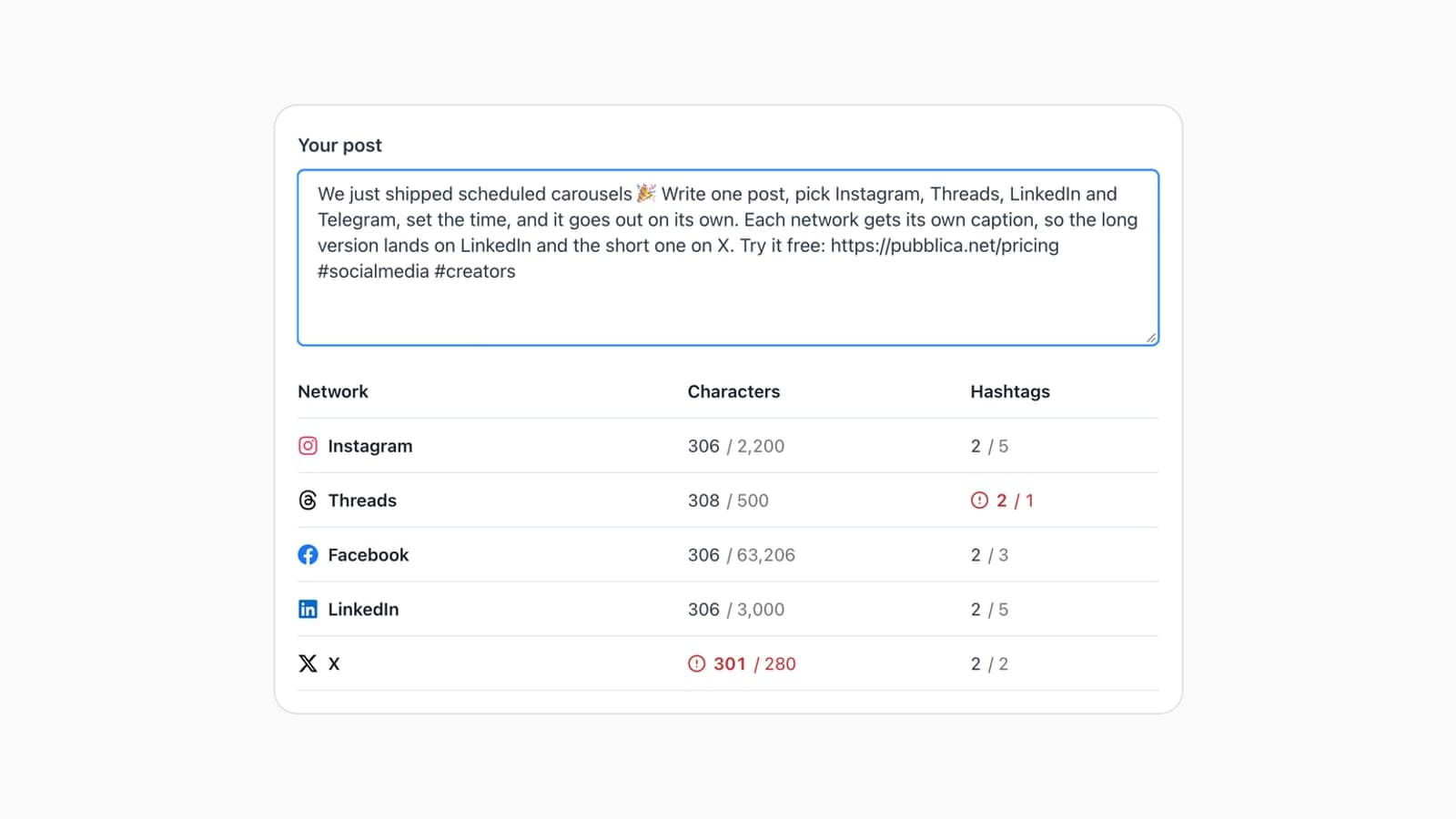
Twitter Character Limit & Counter for 9 Networks

Twitter character limit: 280 per post, 25,000 with X Premium. Free counter checks a post against 9 networks at once, links and emoji included.

Engagement Rate Calculator for Instagram & TikTok

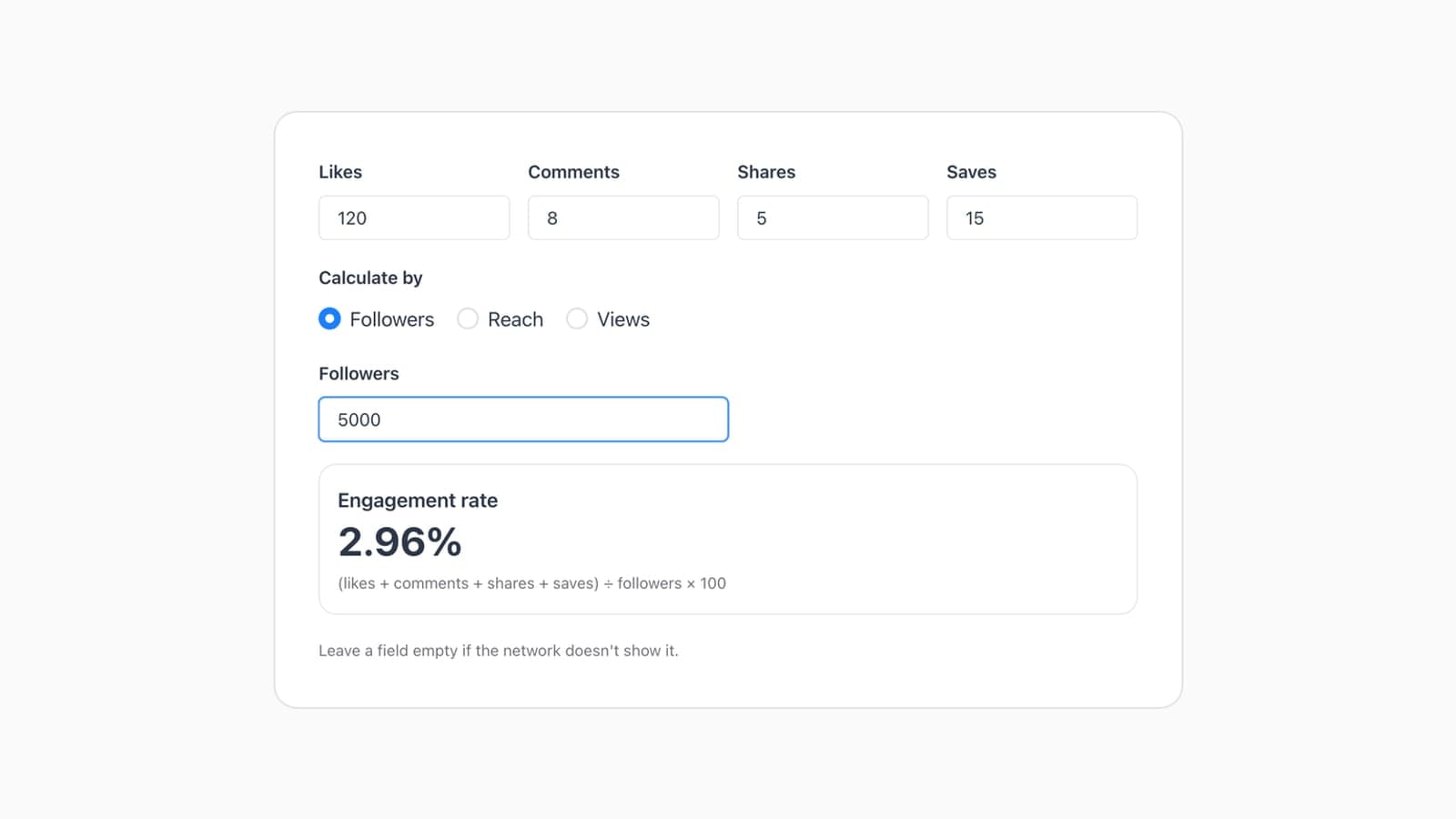
Engagement rate = (likes + comments + shares + saves) ÷ followers × 100. Free calculator finds it by followers, reach or views for Instagram and TikTok.

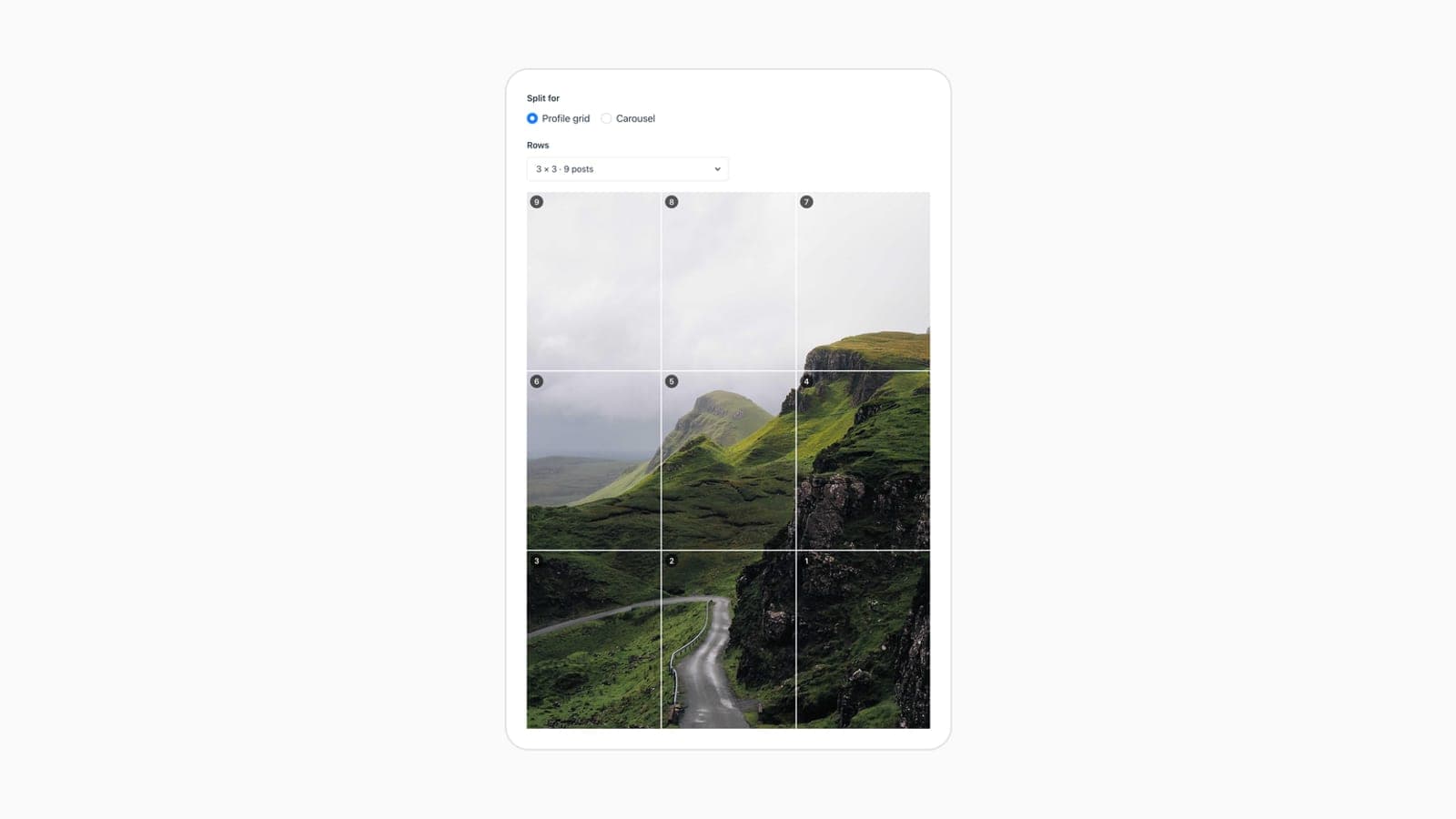
Instagram Grid Maker & Carousel Splitter

Free Instagram grid maker: split one image into 3 to 15 posts of 1080×1350 for the 3:4 profile grid, or into a carousel of up to 20 slides.

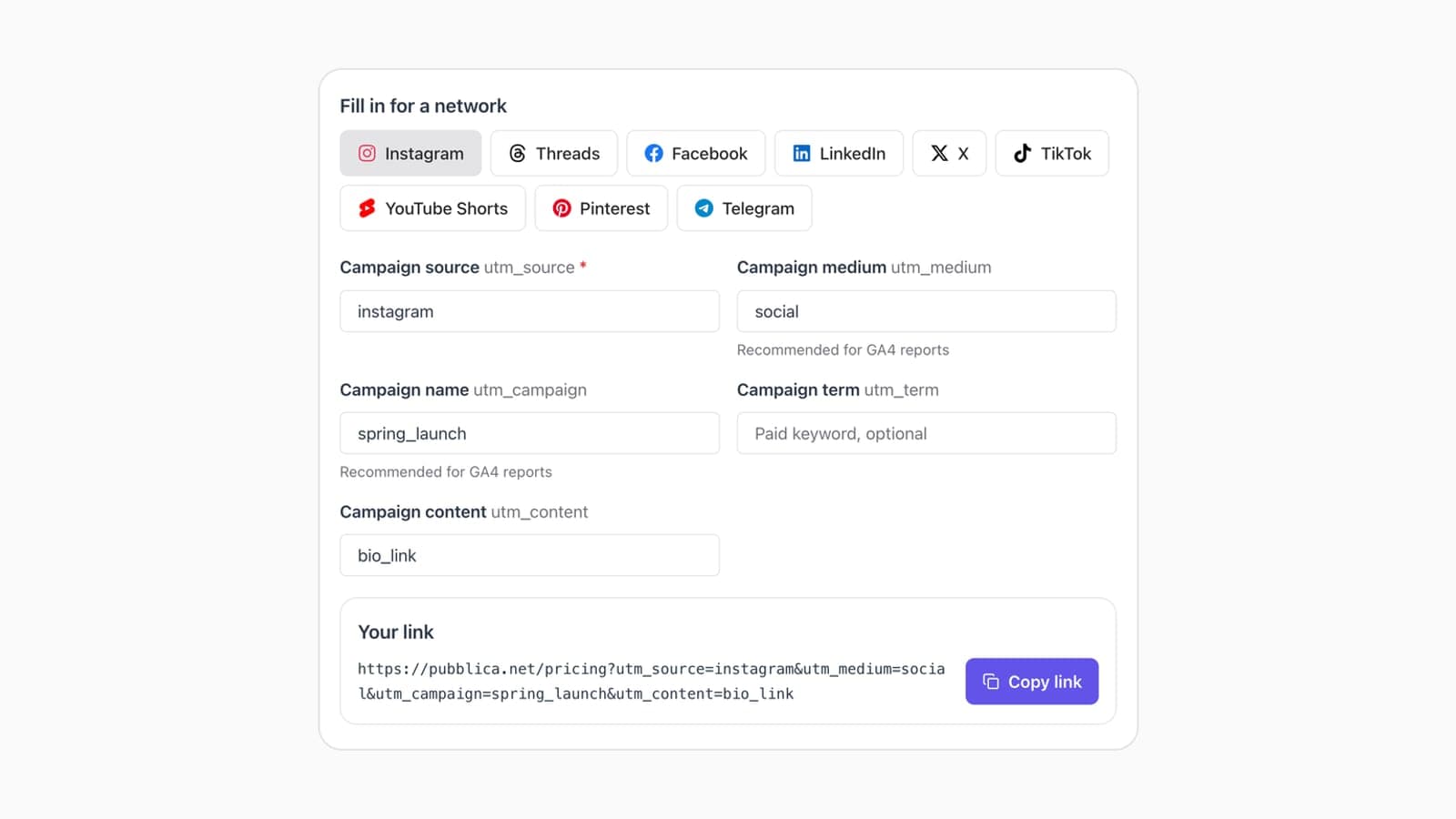
Free Google UTM Builder for Social Media

Free UTM builder for Google Analytics 4: tag a link with source, medium and campaign for 9 networks, including LinkedIn and Facebook. No sign-up.

Safe zone FAQ

If it's not here, email support@pubblica.net and a person will reply

What are the safe zones on TikTok in 2026?

TikTok's ad specs keep 240 px clear at the top, 660 px at the bottom and 120 px on each side of a 1080×1920 video. The like, comment and share buttons also cover the right 180 px of the safe area from 840 px down. That leaves 840×1020 px for text and faces.

What are safe zones on social media?

A safe zone is the part of a vertical video or image that the app's interface doesn't cover. The caption, the buttons and the profile name sit on top of the frame and hide whatever lies under them. Keep text, faces and logos inside the safe zone of each network you post to.

What is the Instagram safe zone?

On a 1080×1920 Reel, Meta's ad specs keep 269 px clear at the top, 672 px at the bottom and 65 px on each side. On Stories, they keep 250 px clear at the top and 340 px at the bottom. Upload your file to the checker to see both zones.

What is the safe zone on Instagram Reels?

On a 1080×1920 Reel, keep text 269 px from the top, 672 px from the bottom and 65 px from each side. Those are the 14%, 35% and 6% margins from Meta's Reels ad specs, and they leave a 950×979 px area for text and faces.

What is the 4x5 safe zone for Instagram posts?

A 1080×1350 post shows in full in the feed, but the profile grid shows only its 3:4 center. About 34 px on each side drops out of the grid thumbnail, so keep text and faces away from the left and right edges.

What is the YouTube Shorts safe zone?

Google's vertical video ad specs keep 288 px clear at the top, 672 px at the bottom, 48 px on the left and 192 px on the right of a 1080×1920 Short. The right margin is wider because the like, comment and share buttons sit there. That leaves 840×960 px in the middle.

Do safe zones apply to organic posts or only to ads?

Networks publish safe zones only in their ad specs. Organic posts show the same caption, buttons and profile name, minus the ad's call-to-action button, so the ad margins leave enough room for them too. The checker applies the official ad figures to every post.

Further reading

Related guides from the Pubblica blog

Best Time to Post on TikTok in 2026, by Day

Best times to post on TikTok for every day, Monday to Sunday, in your audience's local time, with a calculator that converts them to your clock.

How to Post to Multiple Platforms at Once

Post to Facebook, Instagram and Threads at once with Meta's own tools, or to every network with a scheduler: the steps, plus how to adapt each post.

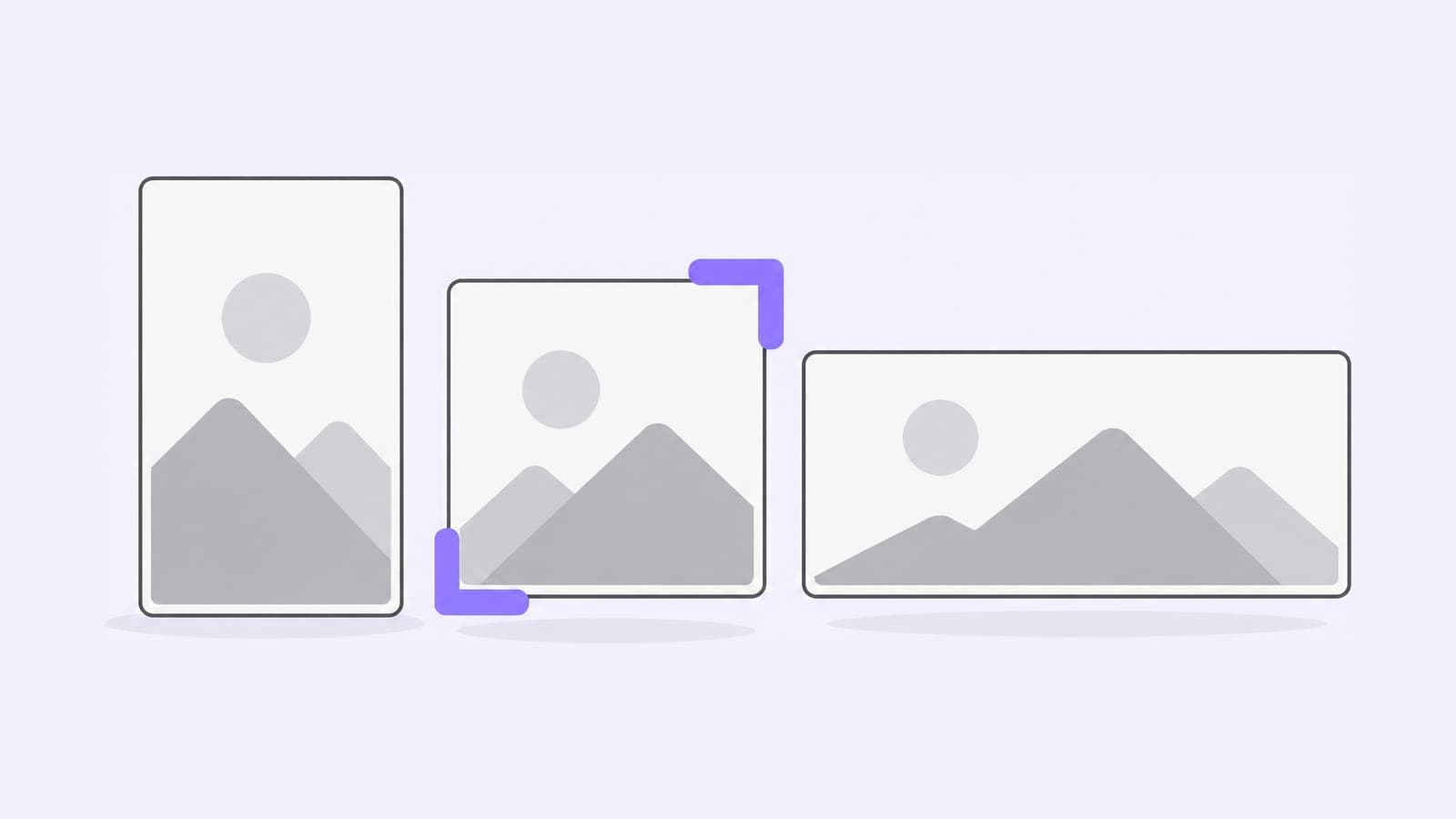
Social Media Image Sizes 2026 + Free Resizer

Instagram, Facebook, LinkedIn, X, YouTube, Pinterest, Threads, TikTok and Telegram image sizes from each network's own specs, plus a free resizer.

Plan this week's posts in one sitting

Write them once and they go out on time

Start for Free
Free plan, no card
Cancel anytime
14-day money-back
Pubblica

Crossposting and scheduling for 9 networks, with a free plan.

Company

Aboutsupport@pubblica.net

© 2026 Pubblica · Made for creators & social media managers, not enterprises