Social Media Image Sizes 2026 + Free Resizer
Instagram, Facebook, LinkedIn, X, YouTube, Pinterest, Threads, TikTok and Telegram image sizes from each network's own specs, plus a free resizer.
 Evgenii Plugarev
Published
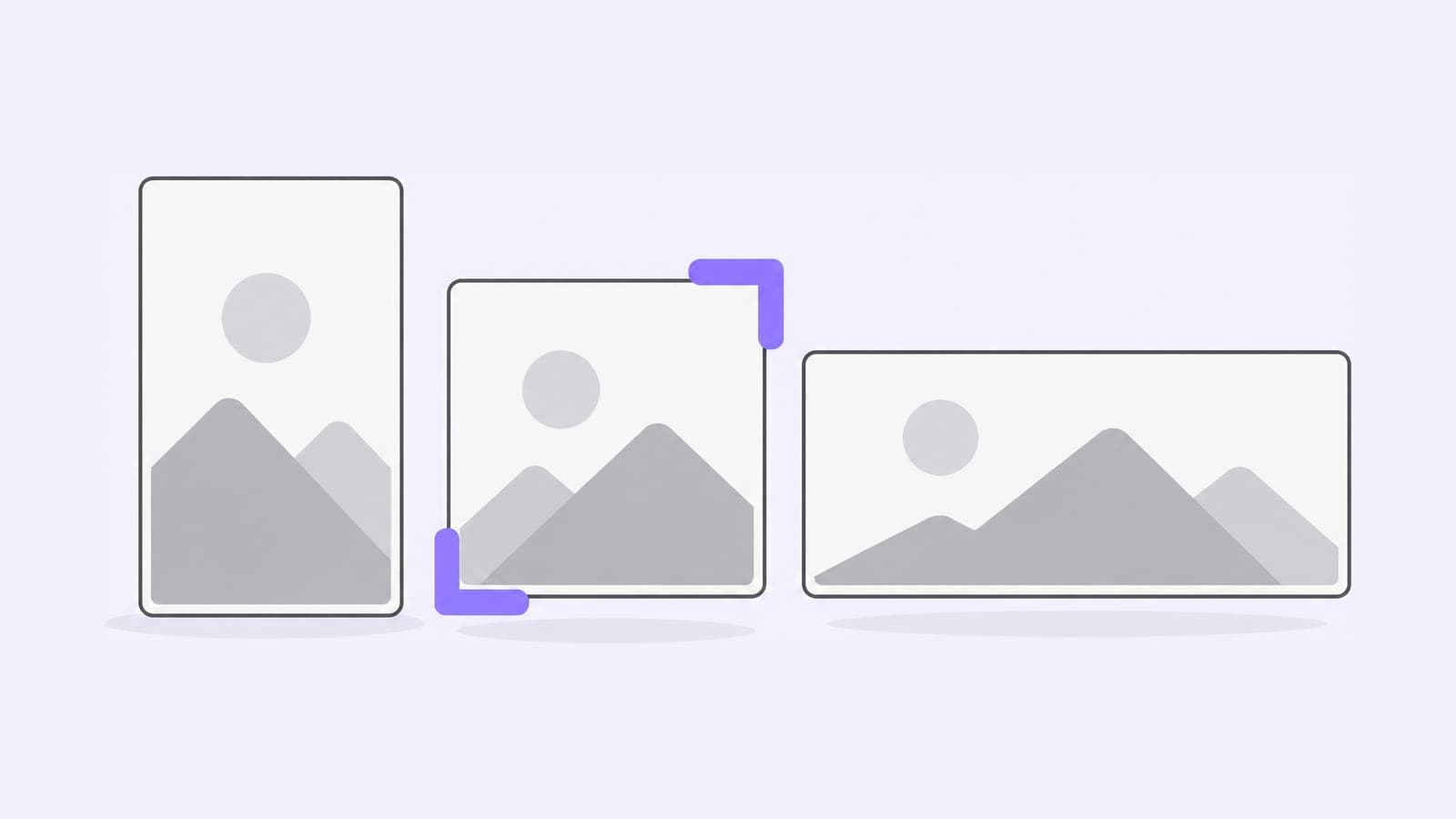
The most-used sizes: an Instagram portrait post is 1080×1350 (4:5), a Story 1080×1920, a Facebook feed image 1440×1800, a LinkedIn link image 1200×627, a YouTube thumbnail 3840×2160 and a Pin 1000×1500. Profile photos and covers have their own sizes on each network. Every size below links to the network's help page or developer docs.
Upload an image to resize it to any of these sizes in your browser, cropped to fill the frame or fitted whole with white bars.
JPEG, PNG or WebP. Your file stays in your browser.
Social media image sizes cheat sheet
Every size from this page in one table. Threads, TikTok and Telegram publish upload limits rather than sizes, so they're in their own sections below.
| Network | Image | Size, px | Aspect ratio |
|---|---|---|---|
| Square post | 1080×1080 | 1:1 | |
| Portrait post | 1080×1350 | 4:5 | |
| Tall portrait post | 1080×1440 | 3:4 | |
| Landscape post | 1080×566 | 1.91:1 | |
| Story | 1080×1920 | 9:16 | |
| Feed post | 1440×1800 | 4:5 | |
| Link share image | 1200×630 | 1.91:1 | |
| Page cover photo | 851×315 | 2.7:1 | |
| Page profile picture | 320×320 | 1:1 | |
| Link post image | 1200×627 | 1.91:1 | |
| Profile background photo | 1584×396 | 4:1 | |
| Profile photo | 400×400 | 1:1 | |
| Company page cover | 1512×256 | 5.9:1 | |
| Company page logo | 400×400 | 1:1 | |
| Article or newsletter cover | 1920×1080 | 16:9 | |
| Event cover | 1280×720 | 16:9 | |
| Group cover | 1776×444 | 4:1 | |
| X | Header photo | 1500×500 | 3:1 |
| X | Profile photo | 400×400 | 1:1 |
| YouTube | Video thumbnail | 3840×2160 | 16:9 |
| YouTube | Shorts thumbnail | 2160×3840 | 9:16 |
| YouTube | Channel banner | 2560×1440 | 16:9 |
| Pin | 1000×1500 | 2:3 | |
| Profile cover, minimum | 800×450 | 16:9 |
Instagram image sizes
Instagram post size: 1080×1350
Instagram keeps a photo at full quality when it's 1080 px wide with an aspect ratio between 1.91:1 and 3:4, from 1080×566 to 1080×1440 (Instagram Help). It scales wider photos down to 1080 px and crops photos outside that range. A square post is 1080×1080.
A carousel holds up to 20 photos and videos, and every slide takes the shape of the first one.
Is Instagram 3:4 or 4:5?
Both. The Instagram app accepts 3:4 posts up to 1080×1440, and since January 2025 the profile grid shows every post as a 3:4 rectangle. The publishing API that scheduling tools use accepts 4:5 to 1.91:1, as JPEG files up to 8 MB.
So post 3:4 from the app and 4:5 when you schedule. In the grid, a 4:5 post loses a strip on each side. To line up a picture across several posts, split it with the Instagram grid maker.
Instagram Story and Reel size: 1080×1920
Stories and Reels fill the screen at 9:16, and Instagram's API docs recommend that shape for Story images to avoid cropping or blank space. Reels can be anything from 1.91:1 to 9:16, and the recommended Reel cover is 420×654 px (Instagram Help).
Facebook image sizes
Facebook post image size: 1440×1800
Meta doesn't publish a size for regular feed photos. Its ad specs for Facebook Feed call for 1440×1800 at 4:5, at least 600 px wide, as a JPG or PNG up to 30 MB.
Facebook link share image size: 1200×630
When you share a link, Facebook takes the preview image from the page's og:image tag. Meta recommends at least 1200×630 for high-resolution screens and a shape as close to 1.91:1 as possible, so the image shows without cropping. Use at least 600×315 for the larger preview; the minimum is 200×200 and the file limit 8 MB (Meta for Developers).
Facebook cover photo size: 851×315
A Page cover photo loads fastest as an sRGB JPG of 851×315 under 100 KB, and it must be at least 400×150 (Facebook Help). On phones, Facebook shows it at 2.4:1 and the profile picture covers about 40 px of it, so keep text and faces near the center. A cover on a personal profile must be at least 720 px wide.
Facebook profile picture size: 320×320
Facebook recommends this size for a Page profile picture (Facebook Help). It crops the picture to a circle and shows it at 176×176 on computers and 196×196 on phones. Use PNG for a logo or a picture with text.
Facebook event image size
Meta doesn't publish a size for event cover photos, and you can't change a cover's size after you add it. The figure most guides give is 1920×1005, a 1.91:1 image, so crop to it before you upload.
LinkedIn image sizes
LinkedIn lists a size for each part of a profile and a Page, and for articles, events and groups.
LinkedIn banner (background photo) size: 1584×396
The background photo on a personal profile, often called the LinkedIn banner or header, is recommended at this size, as a JPG or PNG under 8 MB (LinkedIn Help).
LinkedIn profile photo size: 400×400
A profile photo can be from 400×400 to 7680×4320 px, up to 8 MB (LinkedIn Help).
LinkedIn company page cover size: 1512×256
LinkedIn's Page image specs list 1512×256 as both the minimum and the recommended cover size; older guides still give 1128×191. The logo is 400×400, at least 268×268, and the main image on the Life tab is 1128×376. Every Page image is a PNG or JPEG up to 3 MB.
LinkedIn post image size
LinkedIn doesn't set a size for image posts: a photo can be up to 36 megapixels and 100 MB, as GIF, JPEG, PNG or WEBP (LinkedIn Help). For a link post with your own preview image, use 1200×627 at 1.91:1. Images under 200 px wide show as a small thumbnail. LinkedIn's single image ad specs also list square 1200×1200 and vertical 4:5 720×900 images.
LinkedIn article and newsletter cover size: 1920×1080
The cover of an article is 1920×1080, cropped to 16:9 (LinkedIn Help). Each newsletter edition takes a cover of the same size, and the newsletter logo is 300×300.
LinkedIn event cover size: 1280×720
An event cover can also be 480×270. It must be at least 480 px wide with an aspect ratio of 16:9 (LinkedIn Help).
LinkedIn group cover size: 1776×444
LinkedIn recommends this size for a group cover, as a JPEG or PNG (LinkedIn Help).
X (Twitter) image sizes
X post image size
X doesn't set a pixel size for post images. A single photo with an aspect ratio between 2:1 and 3:4 shows in full in the timeline. Photos can be up to 5 MB, as GIF, JPEG or PNG (X Help).
X header and profile photo size: 1500×500 and 400×400
The header is 1500×500, and X may crop about 60 px from its top and bottom. The profile photo is 400×400, a JPEG, GIF or PNG up to 2 MB (X Help).
YouTube image sizes
YouTube thumbnail size: 3840×2160
YouTube recommends 3840×2160 for video thumbnails and 2160×3840 for Shorts, at least 640 px wide for videos and 640 px tall for Shorts. Use JPG or PNG up to 2 MB from a phone or 50 MB from a computer (YouTube Help).
YouTube banner size: 2560×1440
A channel banner must be at least 2048×1152 at 16:9 and up to 6 MB; 2560×1440 is recommended, especially for TVs. Keep text and logos inside the 1235×338 safe area in the middle (YouTube Help). The same page sets the profile picture: it renders at 98×98 and can be up to 15 MB. A video watermark is a square of at least 150×150 under 1 MB.
YouTube community post image size
YouTube doesn't set a pixel size for images in channel posts. It suggests a square 1:1 image, because that's how the feed shows it, and viewers can open the full image. A post takes up to 10 images, as JPG, PNG, GIF or WEBP up to 16 MB (YouTube Help).
Pinterest image sizes
Pinterest Pin size: 1000×1500
Pinterest recommends 2:3, or 1000×1500, for Pins, and taller images may get cut off in the feed. Use PNG or JPEG up to 20 MB on desktop or 32 MB in the app (Pinterest Business).
Pinterest business profile cover size: 800×450
A business profile cover must be at least this size, and Pinterest recommends a 16:9 image (Pinterest Help).
TikTok image sizes
TikTok doesn't publish a recommended size for photo posts. Its Content Posting API takes JPEG or WebP photos up to 1080p and 20 MB each, up to 35 photos in a post (TikTok for Developers). To keep text clear of the captions and buttons on vertical videos, check the TikTok safe zone.
Threads image sizes
Threads doesn't publish a recommended size either. Through its API, an image can be 320 to 1440 px wide with an aspect ratio up to 10:1, as a JPEG or PNG up to 8 MB, and a carousel holds 2 to 20 photos and videos (Threads API). A 1080×1350 Instagram portrait fits these limits.
Telegram image sizes
Telegram doesn't publish recommended sizes. Through the Bot API, a photo can be up to 10 MB, its width and height can add up to 10,000 px, and one side can be at most 20 times the other (Telegram Bot API).
How to resize an image for social media
- Upload the largest version you have. The resizer scales big images down cleanly; a small one stretched to a cover looks soft.
- Pick the size. Sizes are grouped by network, with the pixel size next to each.
- Choose Crop or Fit. Crop to fill the frame trims the edges from the center. Fit with white bars keeps the whole picture.
- Download the JPEG. The image never leaves your browser.
Post one image to every network with Pubblica
Pubblica publishes one post to all your networks and checks each image against their limits when you add it. Resize the image once per shape, then schedule it with the Instagram scheduler, the LinkedIn scheduler or the Pinterest scheduler, together with your other networks.
The Free plan includes 20 posts a month on every network except X, with unlimited accounts and no card. Pro is $20 a month for unlimited posts on all 9 networks, with a 7-day free trial. See both plans of our free social media scheduler.