Free Instagram Scheduler: Posts, Reels, Stories
Instagram scheduler for posts, carousels, Reels and Stories: set a time and Pubblica publishes from your browser. Free: 20 posts a month; Pro $20/mo.
Yes, you can schedule Instagram posts: the Instagram app schedules posts and reels up to 30 days ahead, and Pubblica schedules posts, carousels, Reels and Stories from your browser along with your other networks. Add your photos or video once, pick your Instagram accounts and any of 8 other networks, set a time, and it publishes on its own.
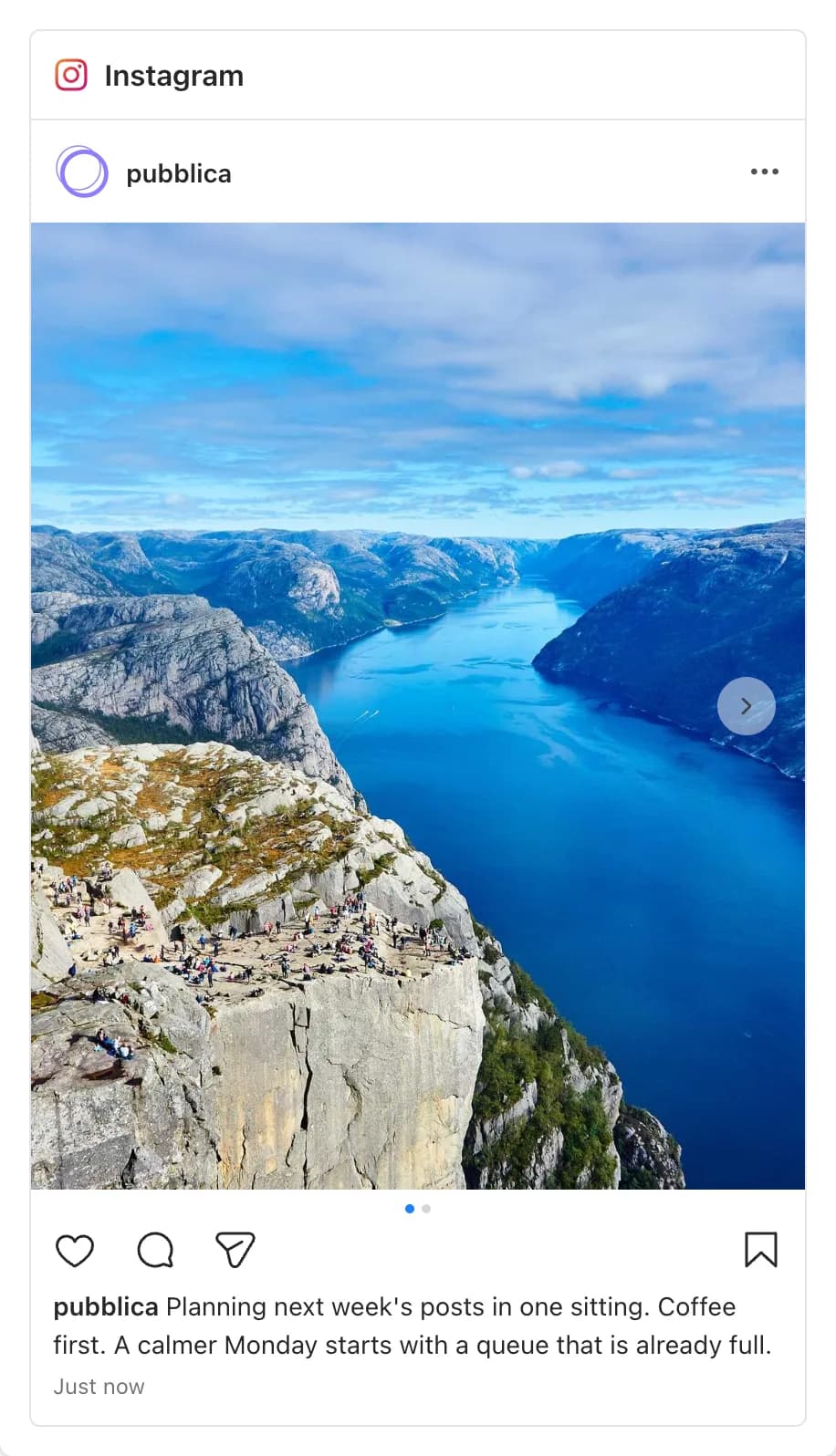
How to schedule Instagram posts in the Instagram app
You schedule a post or a reel in the Instagram app before you share it, following the official Instagram Help steps:
- Tap Create and choose Post or Reel.
- Select your photos or video, tap Next and add the caption.
- Tap More options and turn on Schedule this post, or Schedule this reel for a reel.
- Pick the date and time, tap Done, then Back.
- Tap Schedule.
Scheduling needs a public account, and you can schedule up to 25 posts a day, up to 30 days in advance. Scheduled posts sit in your profile menu under Scheduled content, where you can edit, reschedule, share now or delete them.
Stories and posts from a computer in Meta Business Suite
The Instagram app schedules posts and reels. For Stories, and for scheduling from a computer, Meta offers Meta Business Suite:
- Stories. Click Create story, choose your Instagram profile under Post to, add a photo or video, select Schedule and pick the time (Meta Business Help).
- Posts from a computer. Click Create post, choose your Instagram profile, add the media and caption, set the time under Scheduling options and click Schedule (Meta Business Help).
Scheduled Stories sit under Content on the Stories tab, and posts and reels under Posts & reels on the Scheduled tab. Meta Business Suite needs full control of the account or permission to manage its content.
How to schedule Instagram posts with Pubblica
An Instagram scheduler publishes posts to your account at a time you set in advance. Pubblica publishes feed posts, carousels, Reels and Stories at that time. Scheduling takes three steps, all in your browser:
- Connect your Instagram account. Sign in through Instagram's own login. Pubblica publishes through the official Instagram API, which works with professional accounts: switch in Instagram under Settings and activity, then Account type and tools. Pubblica never sees or stores your password.
- Add the media and choose the type. Upload photos or a video, select Instagram and any other accounts, then pick Post, Reel or Story. Pubblica checks each file against Instagram limits as soon as you add it. For the right shape, see Instagram image sizes.
- Set the date and time. Pubblica publishes to every selected account at that time. The scheduler shows your time zone, and you can pick any date in the future. To choose the hour, see the best time to post on Instagram.
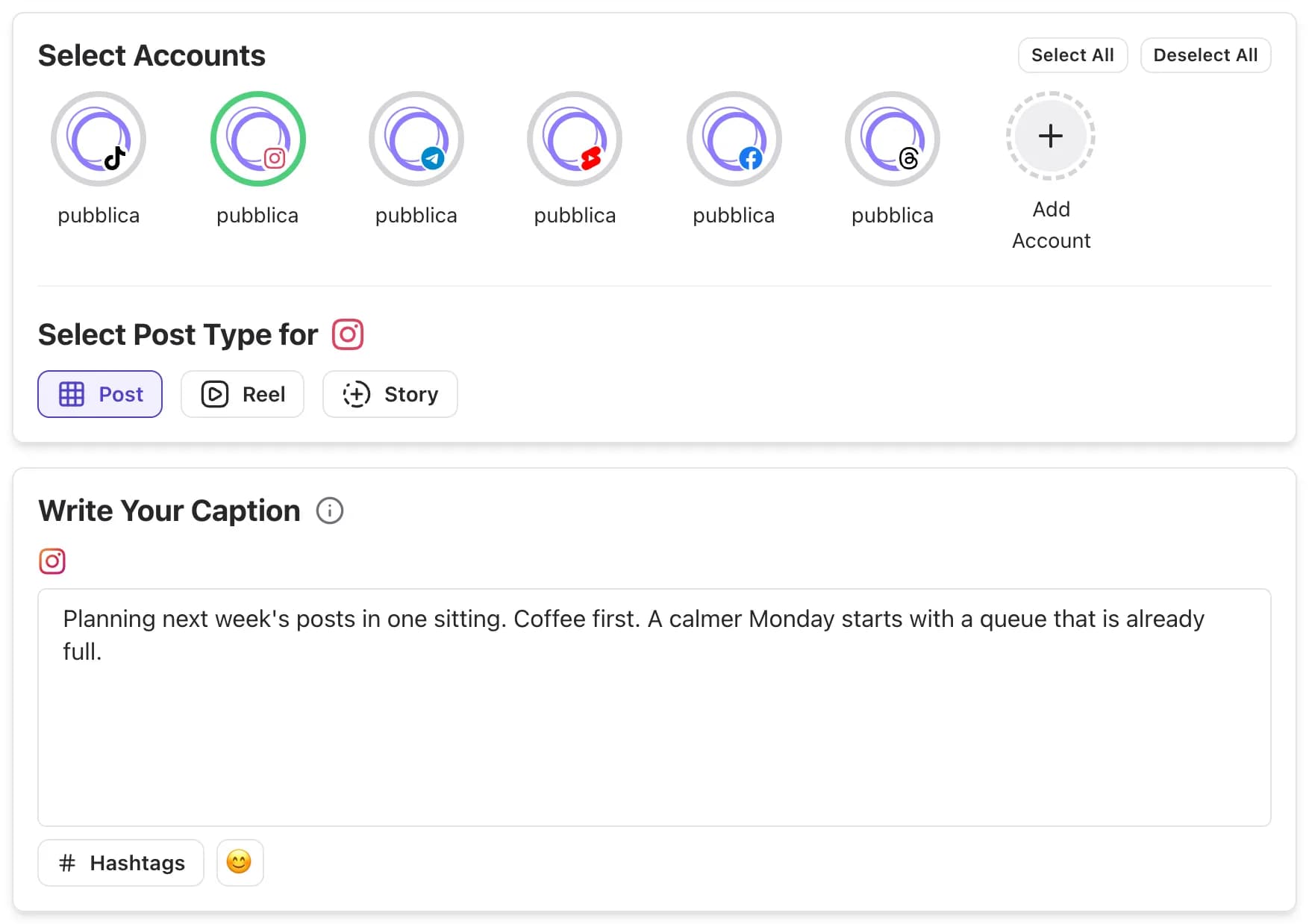
What you can post to Instagram with Pubblica
Pubblica publishes all three Instagram formats. Every post needs a photo or a video.
Posts and carousels
One photo goes out as a feed post. Add several photos and videos, and they go out together as one carousel. Use the same caption as on your other networks or write a separate one for Instagram. To spread one picture across a carousel or your profile grid, cut it with the Instagram grid maker.
Reels
Choose Reel and add one video: it publishes as a Reel with your caption at the time you set. The same video can go to TikTok, YouTube Shorts and Facebook Reels in the same post. Check that text stays clear of the caption and buttons with the Instagram safe zone checker.
Stories
Choose Story and add one photo or video: it goes out as a Story at the set time, so you can plan Stories ahead, next to your feed posts and Reels on the same calendar.
Before the post goes out, the preview shows how the post, Reel or Story will look on Instagram. Connect every Instagram account you run and pick which ones get each post.
Schedule Instagram posts on desktop
The Instagram app schedules from your phone. Pubblica runs in the browser, so you plan from a computer: drag files in from your desktop, write captions on a full keyboard and see every scheduled post on a calendar. Posts, Reels and Stories publish at the set time.
Instagram and your other networks
If you also post to Facebook, Pubblica uses the same Post, Reel and Story types for both. One post goes to every account you pick: keep one caption or write one per network, and set a single time. Meta's own sharing between the two apps is covered in how to share a Facebook post to Instagram. Once it's out, compare how it did on each network with the Instagram engagement rate calculator.
The same composer covers the rest of your networks. Send the post to your Facebook Page with the Facebook scheduler, or post the same vertical video with the TikTok scheduler.
When to use the Instagram app and when to use a scheduler
The Instagram app is free and schedules up to 25 posts a day, up to 30 days ahead, for public accounts. A scheduler fits when Instagram is one of several networks or you plan further ahead:
- you post the same photos or video to Instagram and Facebook, TikTok, Threads or Pinterest;
- you plan more than 30 days out;
- you schedule Stories next to feed posts and Reels in one place;
- you want every scheduled post, on every network, on one calendar;
- you manage Instagram accounts for clients and group them by client in workspaces.
Who Pubblica's Instagram scheduler is for
- Creators who post each Reel to Instagram, TikTok and YouTube at the same hour.
- Small businesses that plan a month of feed posts and Stories for Instagram and Facebook in one sitting.
- Freelancers and social media managers who run Instagram accounts for several clients: connect as many as you need on both plans.
The Free plan includes Instagram and 20 posts a month on every network except X, with unlimited accounts and no card. Pro is $20 a month for unlimited posts on all 9 networks and AI hashtags, with a 7-day free trial. See both plans of our free social media scheduler.