Twitter Scheduler: Schedule Tweets and X Posts
Schedule tweets and X posts: write once, set a time, and Pubblica publishes to X and 8 other networks from your browser. Pro $20/mo, 7-day free trial.
Yes, you can schedule tweets: X offers scheduling in X Pro and in the X Ads composer, and Pubblica schedules X posts from your browser along with your other networks. Write a post once, pick your X account and any of 8 other networks, set a time, and it publishes on its own.
How to schedule tweets on X
A Twitter scheduler publishes a post to X at a date and time you choose. X's help center describes two ways to schedule a post:
- In X Pro, which comes with Premium+: click Schedule post, choose the date and time, and confirm. Add a Scheduled column to see and edit your scheduled posts, as the X Pro help page shows.
- In the X Ads composer at ads.x.com, which schedules organic and Promoted-only posts: write the post, click the drop-down arrow next to Post, choose the date and time, then click Schedule. To find these posts later, switch the Posts filter from Promoted to Scheduled, as the X Ads scheduling guide explains.
A post scheduled in the Ads composer stays hidden until the set time and then goes live with that timestamp.
How to schedule X posts with Pubblica
Scheduling X posts in Pubblica takes three steps, all in your browser:
- Connect your X account. Sign in through X's own login. Pubblica publishes through the official X API and never sees your password.
- Write the post and pick the networks. Add text, images or a video, select X and any other accounts, and check the X preview. Pubblica checks each file against X limits as soon as you add it. For the right shape, see X image sizes.
- Set the date and time. Pubblica publishes the post to every selected account at that time. The scheduler shows your time zone, and you can pick any date in the future. To choose the hour, see the best time to post on social media.
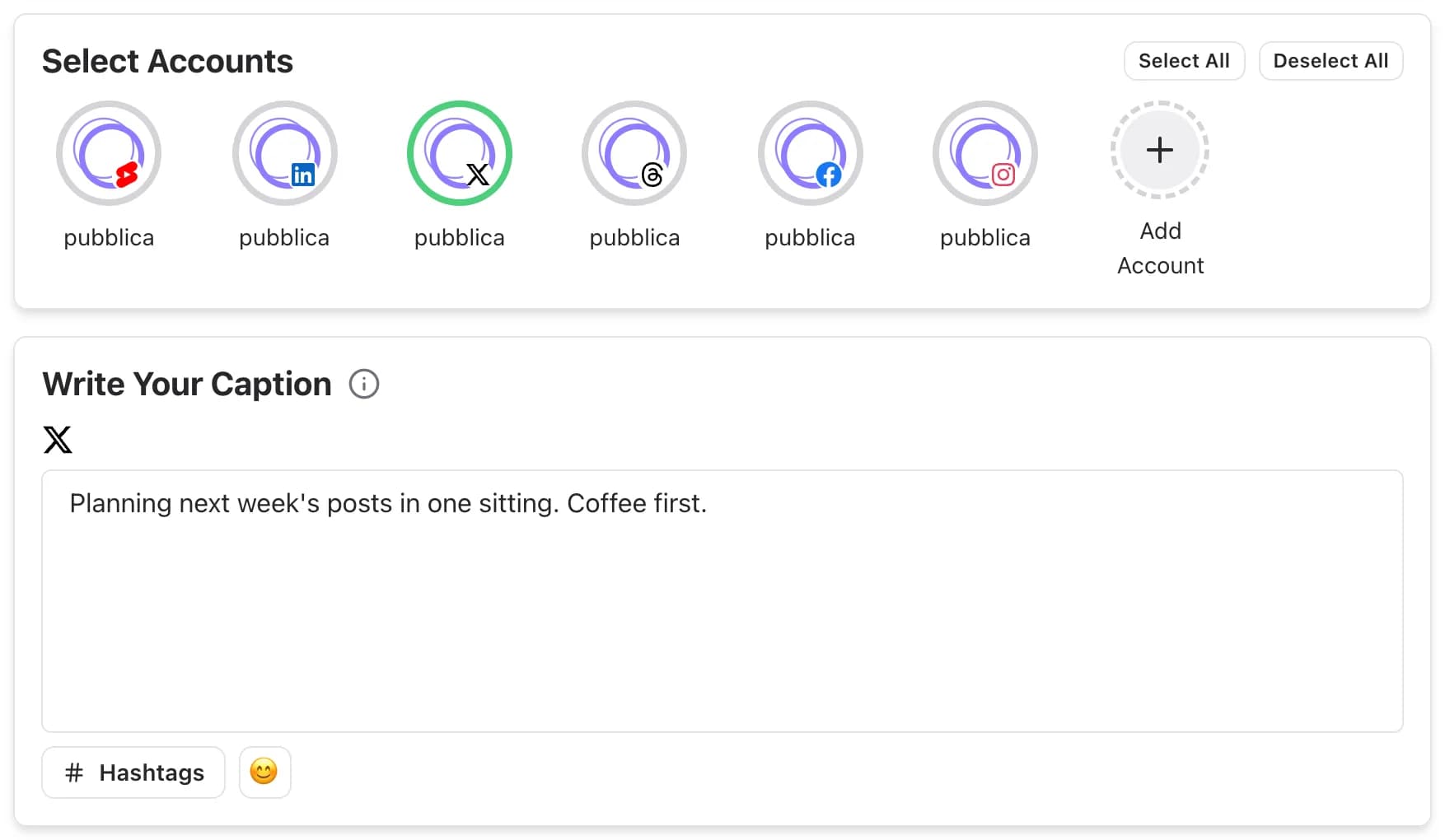
What you can post to X with Pubblica
Pubblica publishes text posts, images and videos to X:
- Text posts. X accepts text alone, so a quick update needs no media.
- Images or a video. Attach several photos, or one video, and Pubblica publishes them with your text.
- Long posts on Premium accounts. Pubblica follows the character limit of each connected X account, including longer posts on Premium. To check a draft first, paste it into the Twitter character counter.
- A caption for X only. Use the same text everywhere or write a shorter version for X.
Before the post goes out, the preview shows how it will look on X.
X and your other networks
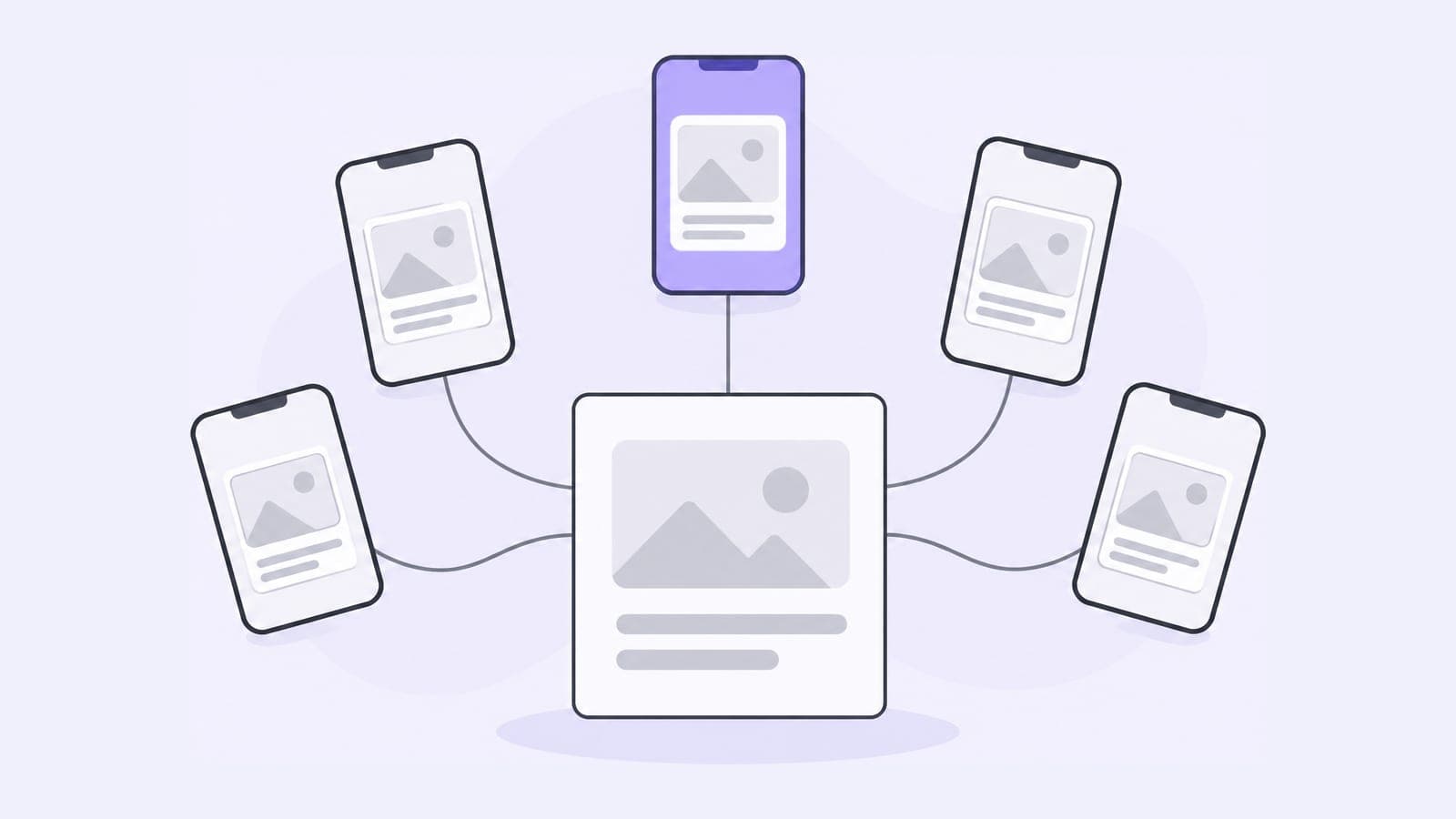
If you also post to Threads or LinkedIn, one post in Pubblica goes to all of them: select the accounts, keep one caption or write one per network, and set a single time. X and Threads both take text on its own, so a quick update goes out on both at the same hour.
The same composer covers the rest of your networks. Post the same update with the Threads scheduler, or publish a longer version with the LinkedIn scheduler. Announcements can also go to your channels and groups with the Telegram scheduler.
When to use X's own tools and when to use Pubblica
X Pro and the X Ads composer schedule posts for X. A scheduler fits when X is one of several networks:
- you post the same update to X and Threads, LinkedIn or Facebook;
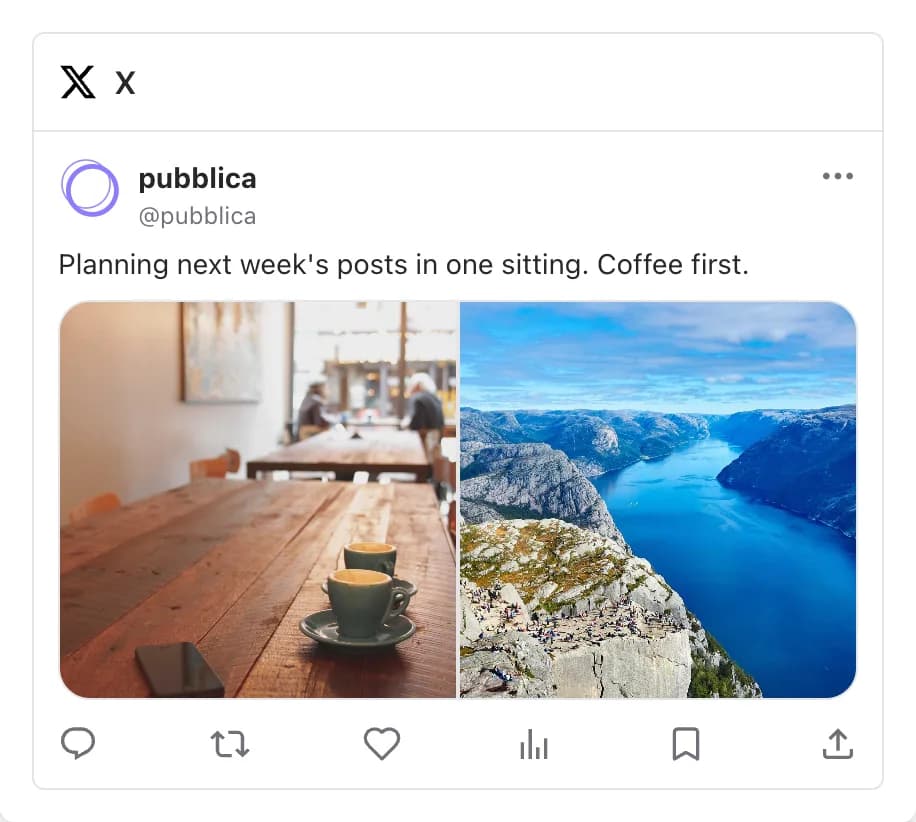
- you plan a week of posts in one sitting from a computer;
- you want every scheduled post, on every network, on one calendar;
- you manage X accounts for clients and group them by client in workspaces.
Who Pubblica's X scheduler is for
- Indie founders who share product updates on X, Threads and LinkedIn at once.
- Freelancers and social media managers who run several X accounts: connect as many as you need.
- Creators who post the same thought to X and Threads and want both out together.
X is part of Pro: $20 a month for unlimited posts on all 9 networks and AI hashtags, with a 7-day free trial. The Free plan includes Instagram, Threads, Facebook, LinkedIn, TikTok, YouTube Shorts, Pinterest, Telegram with 20 posts a month, unlimited accounts and no card. See both plans of our free social media scheduler.