Small Business Social Media Management Software
Social media management software for small business: plan posts for 9 networks, publish on schedule, unlimited accounts. Free plan; Pro $20/mo flat.
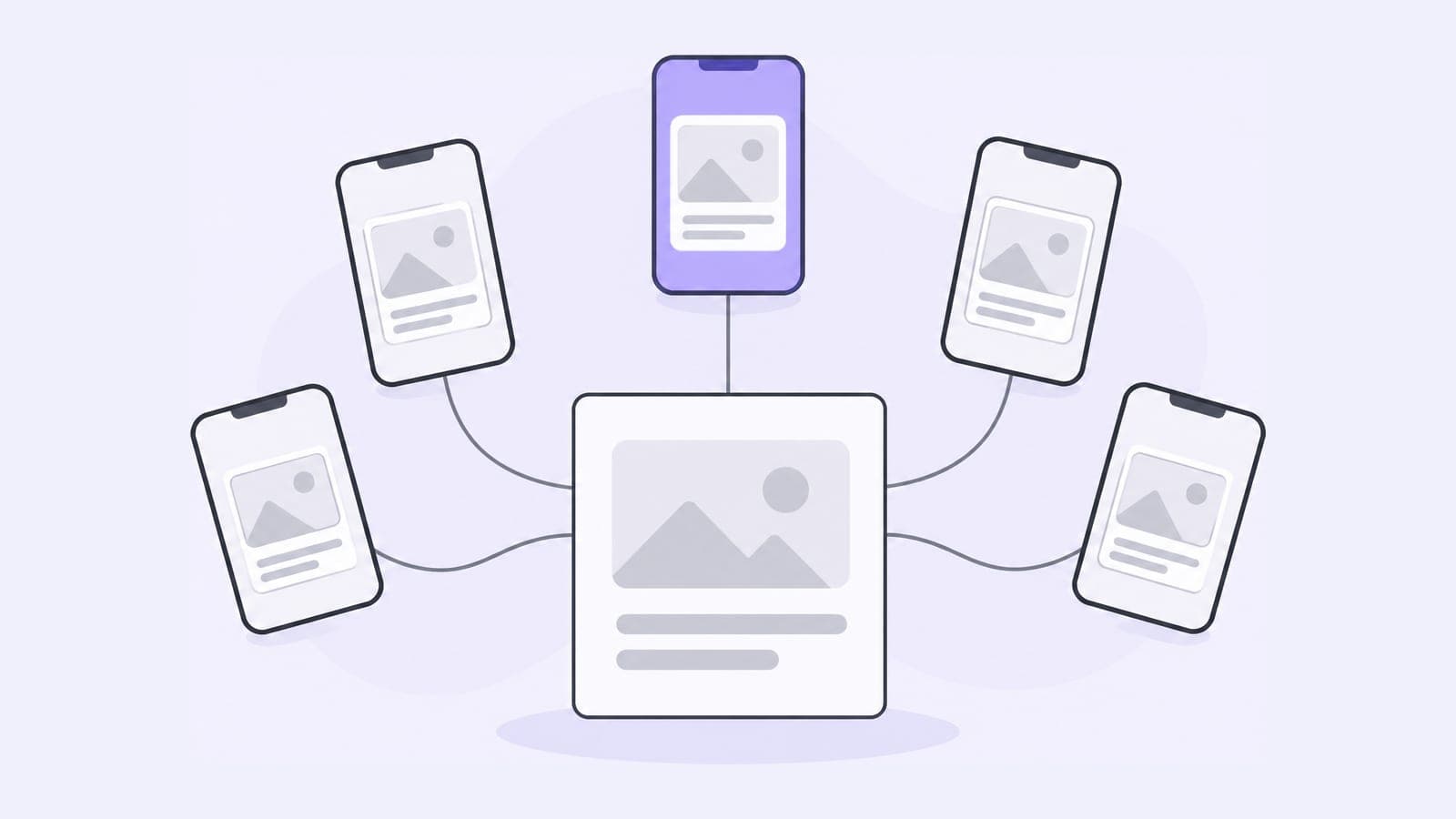
Pubblica is social media management software for small businesses that post on several networks and want one place to plan it. Write a post once, publish it to 9 networks right away or on schedule, and pay one flat price for unlimited accounts.
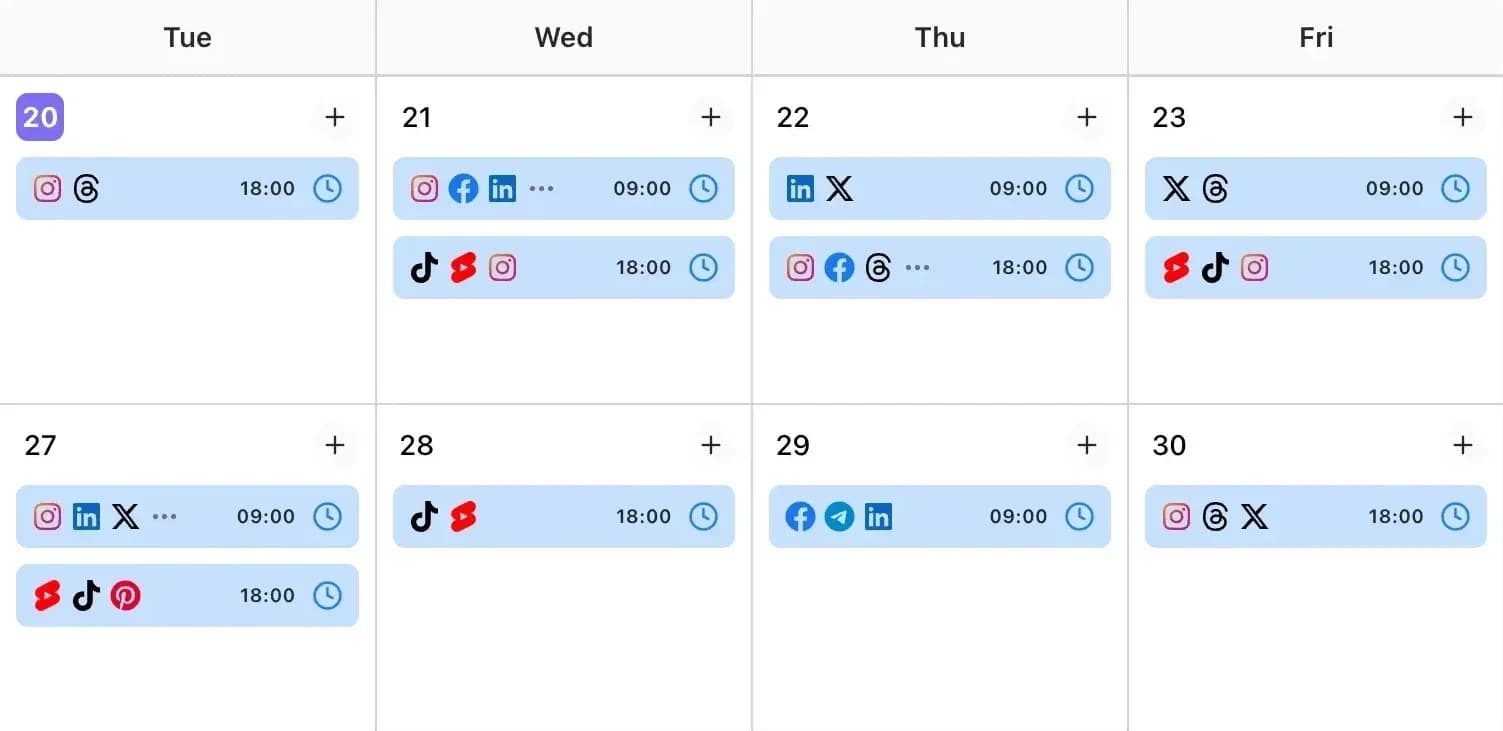
What small businesses need from a social media tool
- A price that stays the same as you grow. Pubblica Pro is $20 a month flat. A second location, a new page or one more network doesn't change it.
- The networks your customers use. Pubblica publishes to Instagram, Threads, Facebook, LinkedIn, X, TikTok, YouTube Shorts, Pinterest, Telegram.
- Posts planned ahead. Schedule a week or a month in one sitting, and every post goes out at its time, evenings and weekends included.
- A setup one person can run. Connect your accounts, write a post and set a time: three steps.
- Files that fit each network. Pubblica checks each image and video against the network's limits as soon as you add it, so you fix a file before the post is due.
How Pubblica works for small businesses
- Connect your accounts. Sign in through each network's own login. Pubblica publishes through the networks' official APIs and never sees or stores your passwords.
- Write the post once. Add text, photos or video, pick the accounts and keep one caption or write one per network. Drafts save as you type.
- Pick a date and time. Pubblica publishes to every selected account at that time, and the calendar shows everything planned for the weeks ahead.
On Pro, Pubblica also suggests hashtags tuned to each network for every post.
What a small business can post with Pubblica
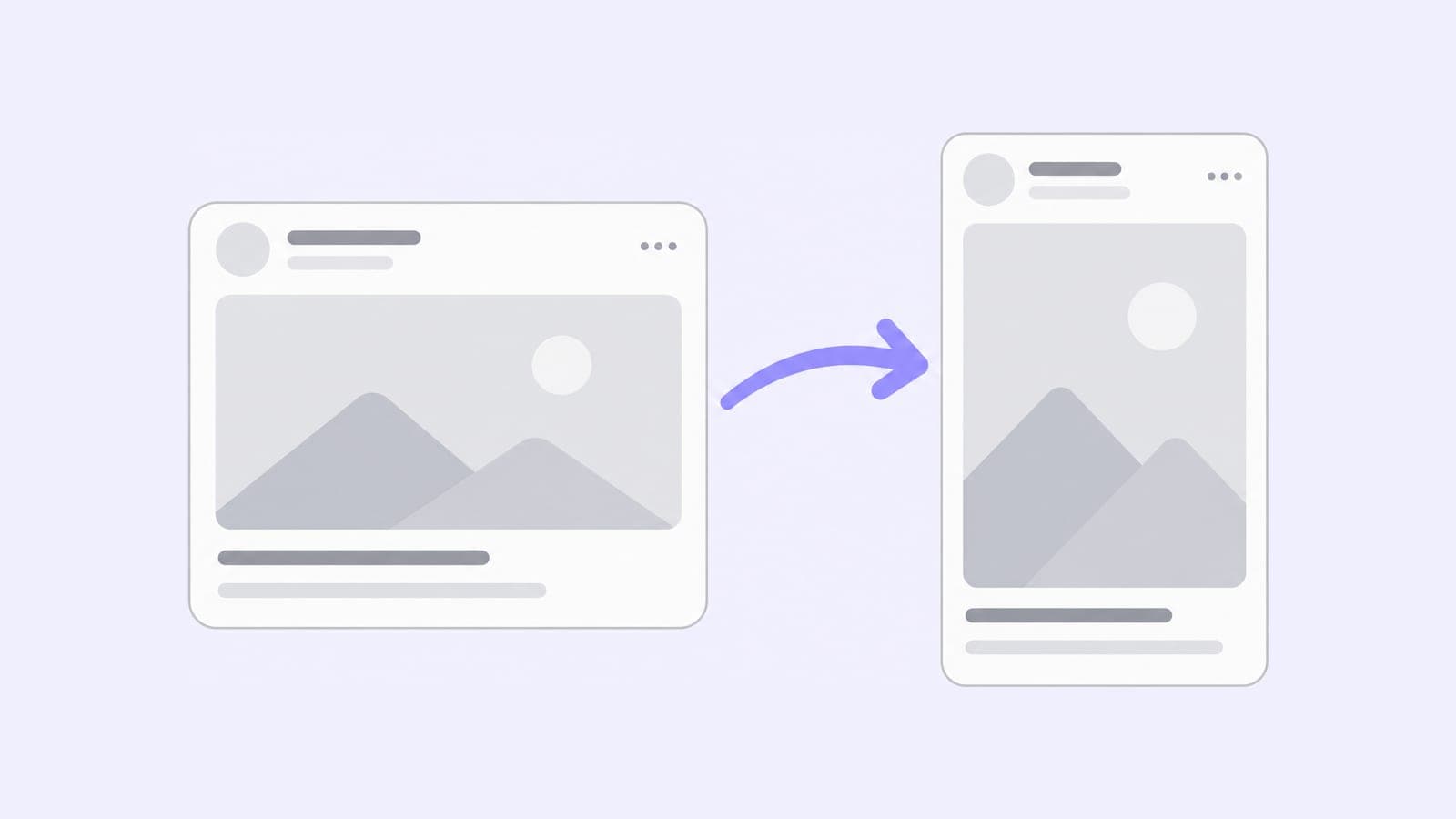
- Photos and carousels for Instagram, Facebook, Threads and Pinterest, and photo posts for TikTok. A wide photo turns into a swipeable carousel with the Instagram carousel splitter.
- Short videos. Upload a video once and publish it as an Instagram Reel, a Facebook Reel, a TikTok video and a YouTube Short in the same post.
- Stories on Instagram and Facebook, scheduled next to your feed posts.
- Text updates for Threads, X, LinkedIn and Telegram, where a post needs no photo.
- Pins on the Pinterest board you pick for each post.
How to plan a month of social media posts for a small business
- Start with the networks your customers use. Two or three networks where your customers already follow you are enough to begin.
- Mark the month's dates. Put sales, launches, events, holidays and changes to opening hours on the calendar first.
- Write the posts in one sitting. Draft every post for the month, with its photos or video, in one session.
- Adjust the caption for each network. Keep the photos and change the text: shorter for X, more detail for LinkedIn or a Telegram channel.
- Schedule, then check the calendar weekly. Set a time for each post, look at the calendar once a week and move or edit posts when plans change.
Social media for different kinds of small business
- Shops and online stores. Post new products to Instagram, Facebook and Pinterest in one go, and schedule sale announcements for the morning they start.
- Cafés, salons and studios. Plan the week's specials or open slots on Monday, and schedule Instagram and Facebook Stories next to feed posts.
- Consultants and service businesses. Share the same update on your LinkedIn profile, your company Page and a Telegram channel for clients.
- Several brands or locations. Give each a workspace with its own accounts and calendar, and manage multiple social media accounts from one login.
What each network supports is on its own page, such as the Instagram scheduler, Facebook scheduler, TikTok scheduler and Pinterest scheduler. To publish everything on schedule without opening each app, see social media automation.
Pricing for small businesses
Pubblica has two plans. Free includes 20 posts a month on every network except X, with unlimited accounts and no card. Pro is $20 a month for unlimited posts on all 9 networks and AI hashtags, with a 7-day free trial and a 14-day money-back guarantee.
Other tools bill per channel, user or social set. Buffer charges per channel, from $6 per channel/mo, with a free plan for 3 channels. Hootsuite charges per user, from $99 per user/mo, billed yearly. Later charges per social set, from $18.75/mo, billed yearly.
| Pubblica | Buffer | Hootsuite | Later | |
|---|---|---|---|---|
| Pricing model | Flat price | Per channel | Per user | Per social set |
| Paid plans from | $20/mo | $6 per channel/mo | $99 per user/mo, billed yearly | $18.75/mo, billed yearly |
| Free plan | 20 posts/mo, no X | 3 channels | No | No |
| Free trial | 7 days, card required | 14 days | 14 days, no card | 14 days, card required |
| Social accounts | Unlimited | Billed per channel | 10 on Standard | 1 per network on Starter |
| Networks | 9 | 12 | 9 | 8 |
| Telegram | Yes | No | No | No |
For a side-by-side look at two of them, see Buffer vs Hootsuite. For more options, see our list of the best social media schedulers, or compare both plans of our free social media scheduler.